.png?width=96&name=image%20(3).png)
Manual tasks multiply as your store grows. Shopify automations promise relief, but most merchants either ignore them entirely or build workflows that break when order volume spikes.
Shopify’s native workflows handle a portion of the process, and third-party tools step in to manage everything outside those limits. Knowing which automations to prioritize and when to upgrade saves hours weekly and prevents the operational bottlenecks that stall growth.
In this guide, you will learn which Shopify automations deliver the highest ROI, how to build workflows that scale, and when native tools stop being enough.
Which Shopify bottleneck is costing you the most?
A quick assessment helps you identify your biggest operational leak. Answer these questions to pinpoint your top bottleneck:
- Do you manually update inventory on multiple channels?
If yes: Inventory chaos is your bottleneck.
- Are orders sitting in your fulfillment queue for 2+ hours?
If yes: Fulfillment delays are costing you.
- Do you lose more than 10% of ready-to-checkout visitors?
If yes: Abandoned carts are your biggest opportunity.
- Do support tickets pile up with order status questions?
If yes: Support overload is draining your team.
- Do you send newsletters or promotions less than monthly due to manual list management?
If yes: Marketing inconsistency is holding you back.
If you answered yes to any question, keep reading as we break down each bottleneck and the Shopify automations that solve them.
Bottleneck #1: Order fulfillment delays
Manual fulfillment slows shipping and creates errors; automation delivers speed and accuracy. When an order arrives in Shopify, automation can trigger a packing slip, print a shipping label, and send tracking updates to the customer without manual entry.
Typical automated workflow:
- Order arrives in Shopify.
- Automation triggers packing slip and label printing.
- Tracking number updates automatically in Shopify.
- Customer receives shipping confirmation.
Pro tip: Start with 10 test orders to validate automation before full rollout. Check label formatting, inventory deductions, and tracking sync.
Platforms like Webgility reduce manual order entry and cut fulfillment processing time. But even the fastest fulfillment cannot fix inventory chaos. Next, see how real-time inventory sync prevents overselling.
Suggested read: Best Shopify Integrations to Grow Your Store
Bottleneck #2: Inventory chaos
Manual inventory tracking is the root cause of many overselling incidents, which leads to lost profits.
Automated inventory workflow:
- Product sells on Shopify.
- Real-time sync updates Amazon, Etsy, and other channels.
- Stock updates everywhere instantly.
- If inventory drops below 5, the product auto-unpublishes and procurement is alerted.
Webgility syncs inventory across Shopify, Amazon, Etsy, and more every 15 minutes by default without any spreadsheets or delays.
With inventory under control, let us tackle the next revenue leak: abandoned carts.
Suggested read: Ecommerce Product Information Management: Integration for Growth
Bottleneck #3: Abandoned carts
Abandoned carts represent revenue sitting on the table. Shoppers add products, get distracted, and never complete checkout.
Manual follow-up is impossible at scale. You cannot email every abandoned cart individually, track which reminders were sent, or personalize messages based on cart value or product type.
Sample automation sequence:
- Email 1: Sent 1 hour after abandonment, reminding the customer of their cart.
- Email 2: Sent 24 hours later, offering a small incentive or addressing common objections.
- Email 3: Sent 48 hours later, with a final reminder or larger incentive.
Personalized email or SMS reminders based on abandonment reason (shipping cost, out of stock, etc.) can double recovery rates. Tools like Shopify Flow make setup simple.
Beyond sales recovery, automation can also lighten your support load. Here is how.
Suggested read: Shopify Accounting Best Practices
Bottleneck #4: Customer support overload
Every order generates questions. Where is my package? Can I change my shipping address? How do I return this item? At low volume, you answer each email personally. At higher volume, support tickets pile up faster than you can respond, and customers wait days for answers that should take seconds.
Support automation tools:
- Tidio
- Gorgias
- Zendesk
Start with automated order status emails before deploying chatbots or self-service portals. This frees your team to focus on complex issues and improves customer satisfaction.
Once support is streamlined, B2B workflow automation can also drive consistent marketing. See how next.
Bottleneck #5: Marketing inconsistency
Marketing stalls because it sits at the bottom of your to-do list, so the work never actually happens. Welcome emails go out late. Post-purchase follow-ups get forgotten. Loyal customers receive the same generic promotions as first-time buyers. Manual marketing creates gaps that cost you repeat purchases and customer lifetime value.
Automated marketing workflows ensure consistent touchpoints without constant attention.
Sample workflow:
- Day 0: Post-purchase thank you
- Day 3: Review request
- Day 7: Upsell or cross-sell offer
- Day 30: Win-back or re-engagement campaign
Pro tip: Start with behavioral triggers before advanced segmentation to capture the most ROI.
What does success look like when ecommerce automation is done right? Real-world results next.
Suggested read: Top Shopify Accounting Integrations for Growth and Scale
Choosing the right Shopify automations for your store
Prioritize Shopify automations where it will deliver the fastest, most visible ROI.
Decision tree:
- Do you sell on 3+ channels?
→ Prioritize inventory management automation
- Is fulfillment your bottleneck?
→ Start with ShipStation or Shopify Flow
- Is abandoned cart recovery the issue?
→ Use Klaviyo or Omnisend
Webgility is the best fit for multichannel inventory and accounting automation.
Now, with your automation roadmap in place, avoid common pitfalls with these pro tips.
5 pro tips for implementing Shopify automations
Smooth automation comes from testing, training, and monitoring, not rushing.
- Test automations with a small sample before full rollout
- Audit automation rules quarterly to catch errors
- Train staff to understand new workflows
- Start with built-in Shopify features, then layer on third-party tools
- Monitor and iterate based on operational data
Common mistakes to avoid
- Launching all Shopify automations at once
- Skipping staff training
- Ignoring error logs or alerts
Platforms like Webgility offer guided onboarding and analytics dashboards to track automation impact.
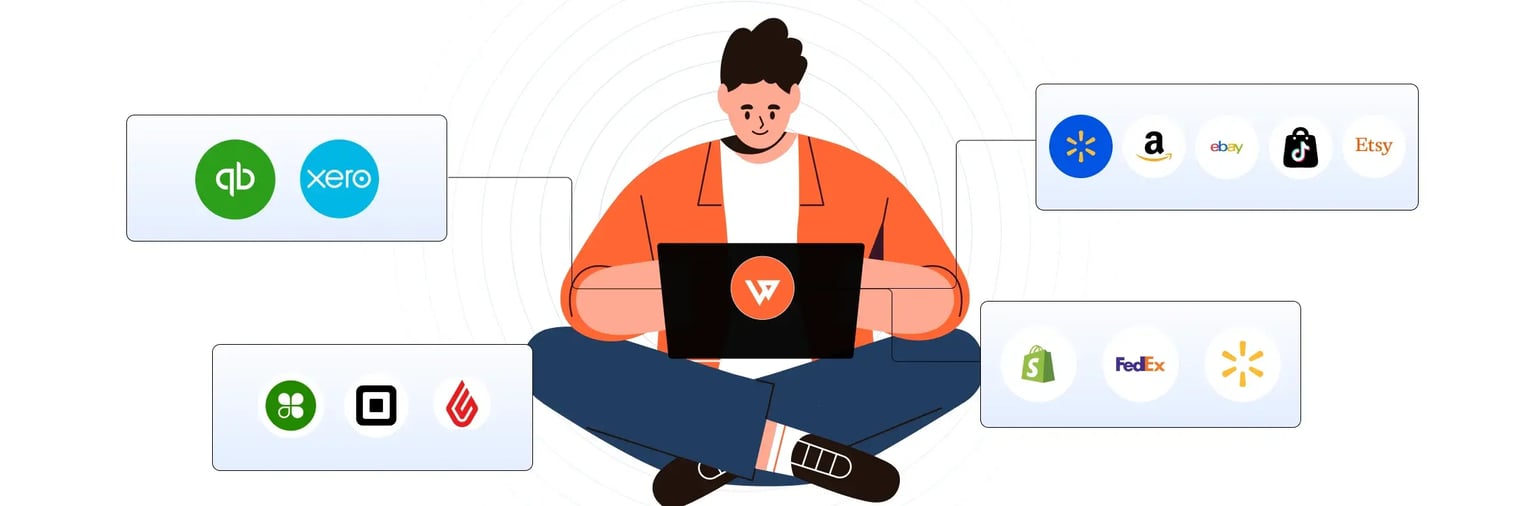
Webgility connects Shopify to marketplaces, POS systems, and QuickBooks with real-time sync that automates order posting, inventory updates, fee mapping, and reconciliation.
Exception handling and retry logic catch errors before they snowball, while dashboards show exactly where automation saves time and reduces mistakes.
Skinny Mixes, a Shopify seller, recovered time previously lost to manual QuickBooks entry and redirected it toward marketing strategies. The result: $3M in added revenue, 19% recovery of abandoned carts, and doubled order volume.
Book a demo with Webgility today.
Frequently asked questions (FAQs)
What is the easiest Shopify automation to start with?
Start by automating your biggest pain point, like order fulfillment or inventory sync. These areas usually deliver the fastest time savings and ROI.
Can Shopify automations work across multiple sales channels?
Yes, many automation tools sync orders and inventory across Shopify, Amazon, eBay, and more, reducing manual updates and errors.
Do I need technical skills to set up Shopify automations?
Most automation platforms are designed for non-technical users. They offer step-by-step onboarding, templates, and customer support to help you get started.
How does automation affect Shopify accounting accuracy?
Automated workflows reduce manual errors and ensure every sale, fee, and refund is posted correctly, making reconciliation and reporting much faster.
.png?width=128&name=image%20(3).png)

-Mar-26-2026-09-27-39-0601-AM.webp?width=760&name=1%20(2)-Mar-26-2026-09-27-39-0601-AM.webp)
-4.webp?width=760&name=1%20(2)-4.webp)