.png?width=96&name=image%20(1).png)
Shopify tracks variant inventory out of the box. The problem is what happens when you sell the same product across Amazon, eBay, and your retail store.
A customer buys the last medium blue shirt on Shopify while another buys it on Amazon. Both orders confirm. You oversold. Native Shopify variant tracking works for single-channel sellers with simple catalogs. Add multiple channels, hundreds of SKUs, or multi-location fulfillment, and the gaps appear fast.
In this guide, you will learn how a Shopify variant inventory tracker works, where built-in tools fall short, and when upgrading pays for itself through fewer stockouts and oversells.
What is variant inventory tracking in Shopify?
Variant inventory tracking means managing stock for every product option. In Shopify, a variant is any combination of product attributes, such as size, color, or bundle, that creates a unique item for sale.
For example, a t-shirt available in five sizes and four colors results in twenty unique variants to track. If you offer ten shirts in five sizes and four colors, you are already managing two hundred variants.
Suggested read: Shopify Payouts Explained: Timelines, Fees & Reconciliation
Native tools
Shopify’s native system tracks each variant individually within a single store and channel. This setup works well for small catalogs and single-channel operations, where manual updates are manageable and errors are rare.
However, as stores add sales channels like Amazon or POS systems, keeping variant inventory in sync becomes a bigger challenge. This is where tools like Webgility come in.
Shopify’s variant inventory tracker works for many, but where does it start to break down?
Suggested read: Shopify, eBay & Amazon Integration: Choosing the Best Method
Shopify’s variant inventory tracker: Strengths and limitations
Shopify’s variant inventory tracker is ideal for small, single-channel stores, but it can create manual work as complexity grows. For early-stage merchants, the system offers:
- Simple setup with no extra software required
- Basic reporting to track sales and inventory levels
- Easy management for single-store operations
- Cost-effectiveness, as it is included in your Shopify subscription
However, as your business grows, limitations emerge:
- Manual updates are required for each channel, increasing the risk of errors
- No real-time inventory sync with other platforms, leading to mismatches
- Limited reporting depth, making it hard to see profitability by variant or channel
- Error-prone processes as SKU counts and order volume increase
So, how do you know if you have outgrown the built-in Shopify variant inventory tracker?
Suggested read: Shopify Inventory Alerts: Strategies for Every Growth Stage
Decision matrix: Is it time to upgrade your Shopify variant inventory tracker?
Use this decision matrix to see if your store is ready for an advanced inventory tracker. Not every store needs to upgrade immediately. Your business stage and pain points determine the right timing.
Startup (0-500 SKUs, 1 channel)
The Shopify variant inventory tracker is sufficient. Manual updates take less than two hours per week, and inventory errors are rare. You can focus on growth without being slowed by operations.
Growth (500-2,000 SKUs, 1-2 channels)
Manual updates begin to consume 5-10 hours weekly. Occasional stockouts and channel mismatches appear, especially during busy periods. If you plan to add channels, monitor closely and prepare to upgrade.
Scaling (2,000-10,000 SKUs, 3+ channels)
Manual tracking becomes a full-time job. Regular oversells damage customer relationships, and multi-location inventory creates confusion. Upgrading is critical for continued growth.
Enterprise (10,000+ SKUs, 5+ channels)
Ecommerce automation is non-negotiable. Real-time sync across all touchpoints and advanced analytics become essential. Delaying an upgrade at this stage costs your business money every day.
Let us look at the real-world signals that it is time to make the switch.
Common triggers: When to switch to an advanced Shopify variant inventory tracker
Four common triggers show it is time for an advanced Shopify variant inventory tracker:
You are overselling regularly
Oversells happen occasionally with any system.
When they become weekly occurrences, native tracking cannot keep pace with your sales velocity. Each oversell costs you refund processing time, customer trust, and potential chargebacks.
If your team spends hours each week apologizing to customers and canceling orders, variant tracking has become a liability instead of a tool.
You sell on multiple channels
Shopify tracks inventory within Shopify.
Add Amazon, eBay, Etsy, or a POS system, and inventory becomes fragmented. A sale on Amazon does not automatically reduce Shopify stock. You either manually update each channel after every sale or accept that inventory counts will drift apart.
Multi-channel sellers need a tracker that syncs variants in real time across every platform.
Your variant count keeps growing
Ten products with three variants each are manageable. 100 products with size, color, and material options create thousands of SKUs.
Native tools become unwieldy as catalogs expand. Searching for specific variants takes longer, bulk updates require manual work, and errors multiply with every new product launch.
Manual reconciliation consumes hours weekly
If your team exports inventory reports from multiple platforms, compares them in spreadsheets, and manually adjusts stock levels, you have outgrown native tools.
This process works at low volume but becomes a time drain as orders increase. Hours spent reconciling inventory are time not spent on growth.
You manage multiple warehouse locations
Shopify supports locations, but coordinating variant inventory across warehouses, retail stores, and fulfillment centers requires constant attention.
Which location fulfills which order? Where should you transfer stock to balance inventory? Native tools show you the numbers but do not help you act on them efficiently.
Suggested read: Shopify Wix integration: Common Problems & Solutions
Stockouts surprise you repeatedly
Running out of your best-selling variant should never be a surprise. If you discover stockouts from customer complaints instead of proactive alerts, your tracking system is reactive rather than predictive.
Advanced trackers provide low-stock alerts by variant, reorder point triggers, and demand forecasting to prevent stockouts before they happen.
You cannot see true variant profitability
Knowing how many units sold is not enough. You need to know which variants generate profit after fees, shipping, and returns.
Native Shopify reporting shows revenue by variant but not margin. If you cannot identify which variants to promote and which to discontinue, tracking alone is insufficient.
The cost of inaction includes lost sales, wasted labor, and missed growth opportunities. Once you see these triggers, here is what to look for in a new Shopify variant inventory tracker solution.
Suggested read: Shopify Plus vs Multiple Accounts: True Cost & Scale Guide
What to look for in a Shopify variant inventory tracker
The right Shopify variant inventory tracker should deliver these outcomes:
- Real-time inventory sync: Prevents overselling by updating inventory instantly across Shopify, Amazon, and POS. When a customer buys on one channel, all others reflect the change immediately
- Multi-location and multi-channel support: Provides a unified dashboard for all warehouses, stores, and sales channels. Enables intelligent order routing and inventory allocation
- Automated order and return management: Ingests orders from every channel, processes returns, and updates inventory and accounting records automatically
- SKU-level reporting and forecasting: Offers visibility into revenue, units sold, fees, and true profitability by product, variant, and channel. Enables data-driven decisions for pricing and inventory investment
- AI-powered product matching: Uses artificial intelligence to suggest product matches between your store and accounting system, reducing manual reconciliation work
Suggested read: Top Shopify Accounting Integrations for Growth and Scale
How Webgility delivers advanced variant inventory tracking
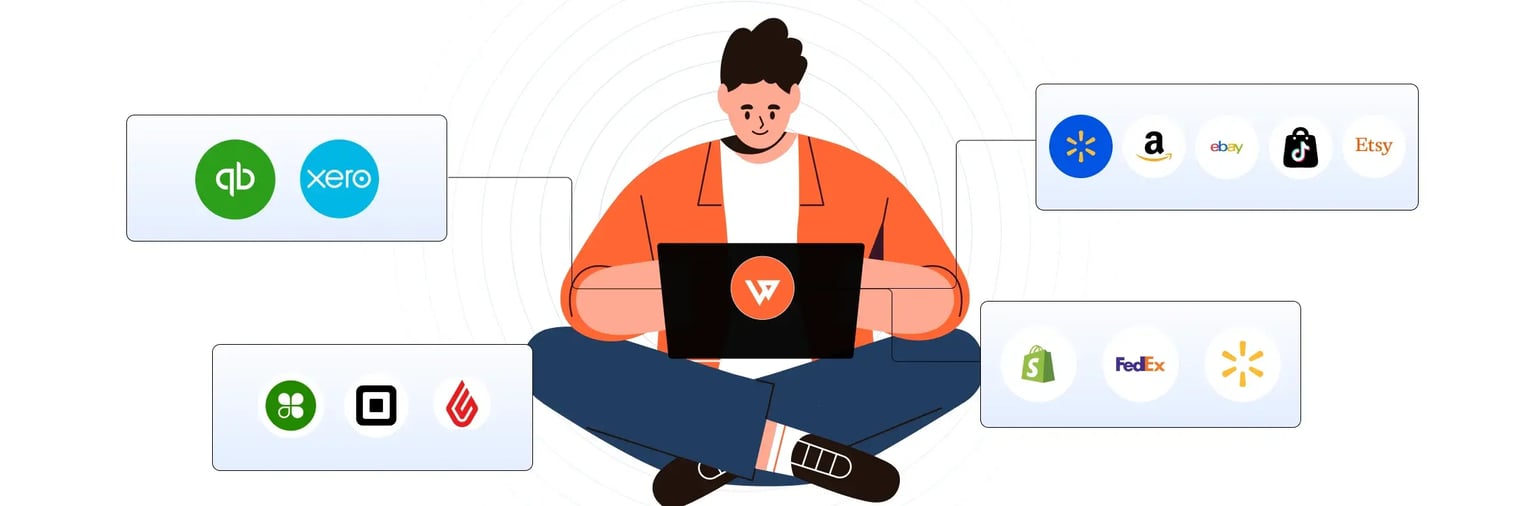
Webgility connects Shopify to Amazon, eBay, marketplaces, POS systems, and QuickBooks with real-time variant-level inventory sync.
The platform goes beyond basic tracking to automate your entire inventory workflow. It can:
- Sync variant inventory across unlimited channels and locations in real time
- Automatically update stock levels after sales, returns, and adjustments
- Track true profitability by variant, channel, and location
- Set low-stock alerts and reorder triggers by individual variant
- Process returns and update inventory and accounting records automatically
- View unified dashboards showing inventory health across every sales channel
- Map individual Shopify variants to the right accounting SKUs with variant-level product matching
Note: It is important to know exactly which Shopify variant you're mapping.
Webgility makes this easier by showing Shopify Variants in a dedicated Product Catalog column, so each size, color, or style is clearly separated from the parent product name.
That gives you more confidence when mapping products to QuickBooks:
- Manual mapping: See the exact variant before choosing the matching QuickBooks item.
- Auto-mapping: Webgility resolves matches at the variant level instead of relying only on the parent product name.
For stores with large variant catalogs, that means fewer mapping errors and a stronger foundation for accurate variant-level inventory across Shopify and QuickBooks.
Success story
Rider Shack, a surf and skate retailer managing over 13,000 products across online and offline channels, struggled with out-of-stock issues due to poor inventory planning and manual syncing between Magento and QuickBooks POS.
After implementing Webgility, they gained real-time inventory visibility, reduced operational costs and cancellations by $1,400 per month, and saved 10-15 hours per week on manual updates.
Ready to upgrade from native Shopify variant tracking to real-time multi-channel sync? Book a demo with Webgility today.
FAQs
How does variant inventory tracking differ from standard inventory tracking?
Variant inventory tracking manages stock for each product option, like size or color, rather than just the main product. This ensures accurate counts for every unique item, reducing overselling and stockouts.
Will upgrading my Shopify inventory tracker disrupt my current workflow?
Most modern inventory trackers integrate smoothly with Shopify. Many stores report minimal disruption and quick onboarding, allowing you to maintain operations while upgrading.
What are the main signs I need to upgrade my Shopify inventory tracker?
Frequent stockouts, manual updates taking hours each week, and trouble managing multiple channels or locations are key signs it is time to upgrade your Shopify variant inventory tracker.
Can advanced inventory trackers integrate with my accounting software?
Yes, leading Shopify variant inventory trackers like Webgility offer integrations with popular accounting platforms such as QuickBooks, Xero, and NetSuite, ensuring seamless data flow.
.png?width=128&name=image%20(1).png)