Order-Level Sync
Track, define, and post every sale, refund, tax, and fee down to the line-item level.
Webgility automates your accounting and inventory through every scale of your ecommerce across channels, payment modes, and business models.
we have four entities and needed several customizations
We were using a different product, but it could not handle our needs. We have 4 different sites with a mix of Magento and Shopify.
We had a very detailed and particular set of scenarios we needed to be able to make work with Webgility between our Shopify, Point of Sale, and Amazon sales channels.
We sell product at both the wholesale and retail level using Shopify, Magento and Quickbooks. Webgility has been a huge asset to our operation.
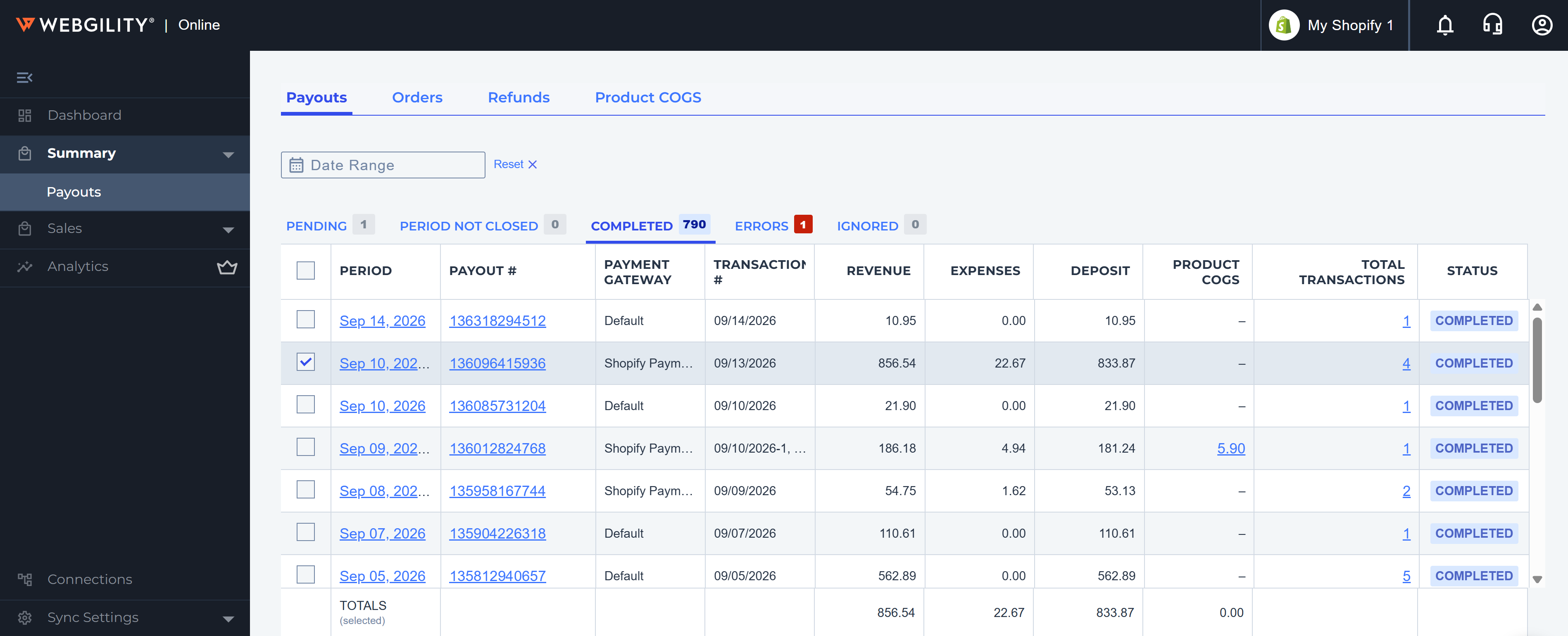
From transferring orders, refunds and matching payouts to deposits in the bank, this app is superior to its competitors.
I use Webgility to connect QBO to four separate sales channels and it works perfectly.
We've used webgility for years for multiple different websites, their flexibility and attention to detail is unmatched. We're able to download and post orders to quickbooks in specific ways that we're not able to find elsewhere.
Automate and control your entire Shopify order-to-accounting and inventory workflow into QuickBooks.
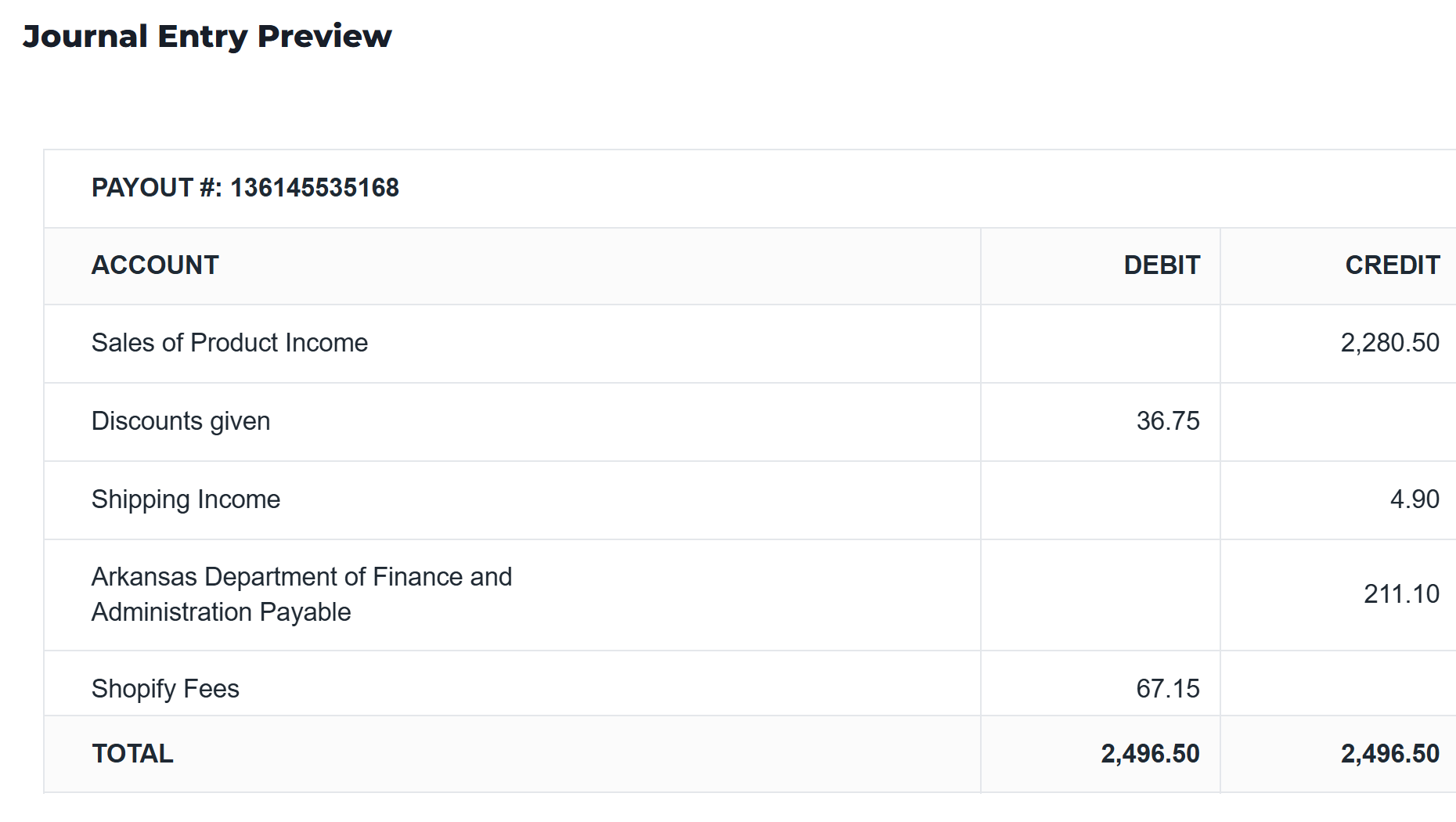
Track, define, and post every sale, refund, tax, and fee down to the line-item level.
Ensure penny level reconciliation across DTC, wholesale POs, invoices, payment terms, and more.
Ensure predictably clean inventory even with large catalogs, SKU bundles, and partial shipments.
Get precise SKU-level P&L, channel profitability, and inventory velocity reports any time you need them.
From split payments and refund management, B2B workflows, and payout tracking, to complex SKU bundles and multi-store scenarios - if you can sell it with Shopify, you can account for it with Webgility.






Manage multiple Shopify stores into one accounting workflow.
Scale into marketplaces and more channels without finance bottlenecks.
Sell complex assemblies with net terms and partial shipments alongside DTC.
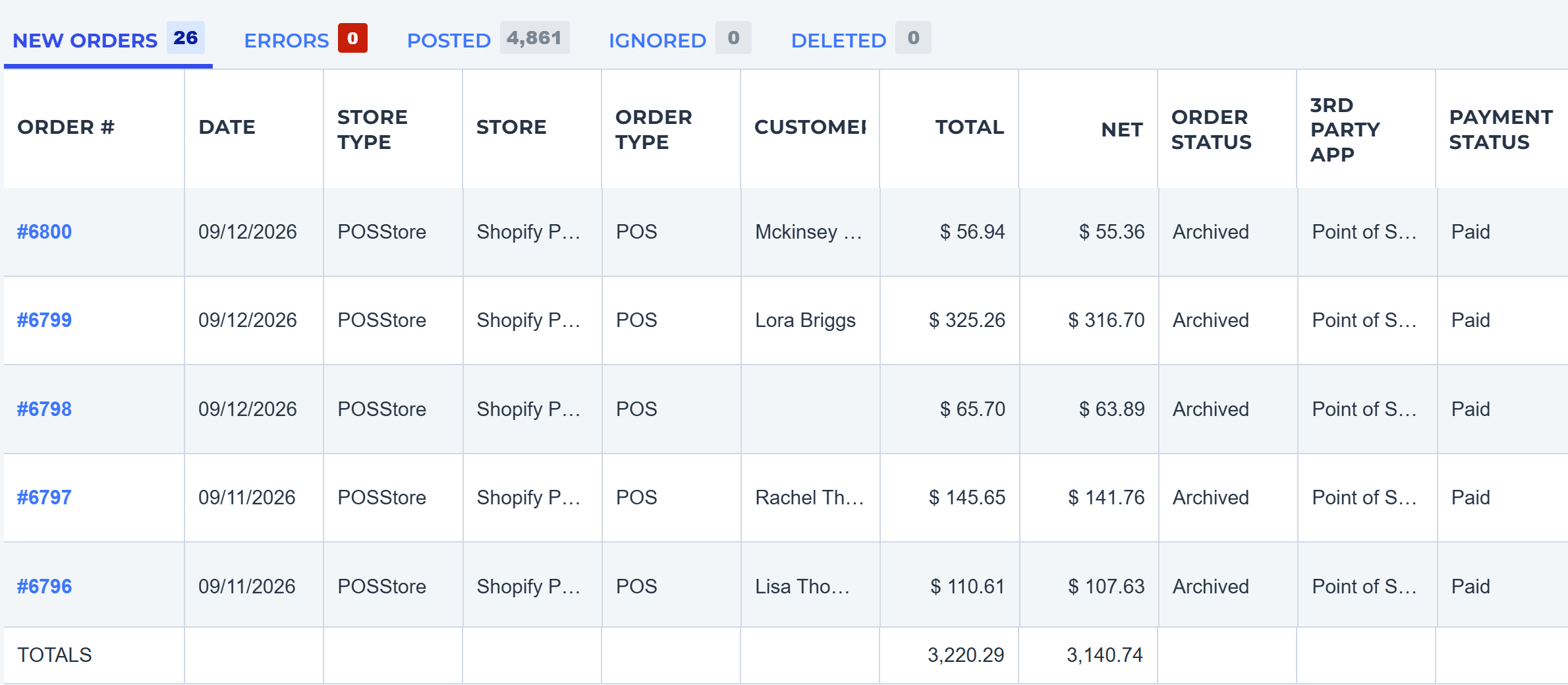
Bring physical store and kiosk sales into the same set of books as your digital storefront.
Manage returns, chargebacks and multiple payment providers with real-time sync.
Get access to a team that is passionate about your commerce and obsessed with your books.


Book a 30 minute session with a Webgility ecommerce specialist.