.png?width=96&name=image%20(2).png)
|
TL;DR
|
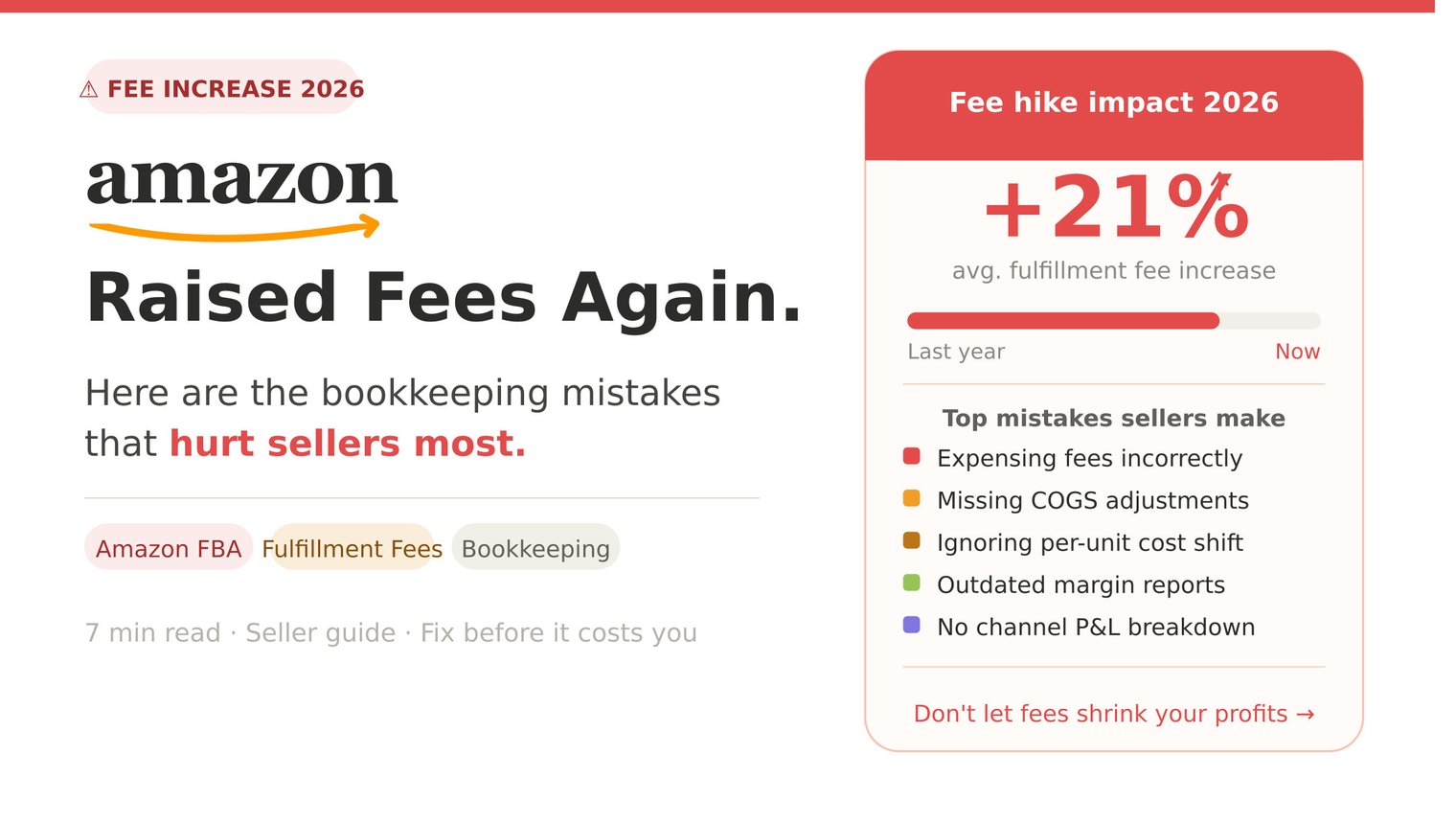
When Amazon hits you with 2026 FBA fee hikes, most sellers think about updating their product pricing first, and move on. But the bigger and hidden problem is almost always in the books.
If your accounting system can't clearly separate sales, fees, refunds, and payouts by channel and SKU, a small fee increase doesn't just reduce your margin. It also reduces visibility into cash flow, inventory decisions, forecasting, reconciliation, and channel-level performance, making it impossible to know which products are actually worth selling.
In this article, we will cover what the surcharge actually looks like in your books, the bookkeeping mistakes it exposes, why multi-channel sellers are especially vulnerable, and how to fix the issue before the next fee change hits.
What the surcharge actually looks like in your books
Amazon’s fee change is simple on paper and messy in practice.
Effective April 17, 2026, Amazon began applying a 3.5% fuel and logistics surcharge on FBA fulfillment fees in the U.S. and Canada. Starting May 2, 2026, that same surcharge extends to Buy with Prime and Multi-Channel Fulfillment (MCF) orders.
A few things worth understanding clearly:
- The surcharge applies to the fulfillment fee component of each order, not the product sale price.
- It is not a separate line item on your Amazon invoice. It is folded into your FBA fee totals, which then roll into your settlement payout.
- When that settlement hits your bank account, it arrives as a single deposit; net of all fees, refunds, adjustments, and now this surcharge.
|
😮That's the core tension: Amazon changed something in the fee structure. Your accounting setup almost certainly didn't. |
For sellers using basic sync connectors or recording only the payout total in QuickBooks, the surcharge is already invisible. It isn't showing up as a new expense. It's just silently compressing your margin and your books won't tell you why.
The 4 bookkeeping mistakes sellers make (And how to prevent them)
Mistake 1: Treating the surcharge as a generic fulfillment (Tax and profitability issues)
The mistake: Most sellers using QuickBooks have one catch-all account for FBA fees, often under fulfillment expense or cost of goods sold. When the new surcharge gets folded into the settlement, it usually gets posted there too without being separated. That often creates a bigger problem later: the surcharge may be classified inconsistently for reporting and tax purposes.
What goes wrong:
- If the surcharge is buried in a generic fulfillment cost account, it may be classified inconsistently: sometimes as COGS, sometimes as an operating expense, depending on how your books were originally set up
- Misclassification affects your gross margin calculation, which affects every downstream financial metric: net margin, contribution margin, break-even analysis
- It can also affect tax reporting by overstating or understating deductions
- For sellers with multiple entities or Canadian operations, it adds more complexity to cost allocation
How to prevent: Track the surcharge as its own fee instead of folding it into regular FBA costs. That gives you cleaner books, more accurate margin reporting, and a clearer view of how the fee affects each product, channel, or entity. It also helps ensure taxes are filed correctly by keeping the expense classified the right way, so you can catch issues early and make informed decisions.
|
Pro tip: The right classification depends on your business structure and accounting method, and it should be a deliberate decision made with your accountant, not an accidental default. |
Mistake 2: Not updating COGS calculations across all channels
The mistake: The surcharge isn't limited to FBA. It extends to Multi-Channel Fulfillment (MCF) on May 2, 2026 which means sellers using MCF to fulfill Shopify, Walmart, or other off-Amazon orders are now paying the surcharge on those orders too. Most sellers don't connect that dot.
What goes wrong:
- Your COGS for Shopify orders fulfilled via MCF is now higher, but your books don't reflect it
- If you're comparing per-channel profitability: Amazon vs. Shopify vs. Walmart, your Shopify margin looks better than it actually is
- Reorder and pricing decisions made on that data are made on a false baseline
- The same problem applies to Buy with Prime orders starting May 2
How to prevent: Update your cost tracking for every channel that uses MCF, not just Amazon. If Shopify, Walmart, or Buy with Prime orders are being fulfilled through Amazon, the new surcharge needs to be included in those orders too. That way, your margin reports stay accurate and your pricing, reordering, and channel decisions are based on real numbers.
Mistake 3: Reconciling by payout total, not by fee line
The mistake: A seller checks their QuickBooks balance against their Amazon bank deposit. The numbers are close enough. They move on. This is payout-level reconciliation and it was already a problem before the surcharge. Now it's worse.
What goes wrong:
- Small discrepancies between expected and actual payouts get absorbed rather than investigated
- Fee-level changes including the new surcharge never surface because you're only checking the final number
- Over time, unreconciled fee differences compound, leading to month-end discrepancies that take hours to unwind
- You cannot verify Amazon's fee calculations, identify billing errors, or track the impact of fee changes on specific order types
How to prevent: Reconcile Amazon settlements by each fee line, not just the final payout amount. Break out sales, refunds, fulfillment fees, surcharges, storage fees, and other charges into the right accounts so you can catch changes early and keep your books accurate. Tools like Webgility can make this easier by helping map and organize Amazon fee details into QuickBooks, so you get clearer visibility without adding more manual work.
Mistake 4: Assuming your accounting tool caught it automatically
The mistake: “We have a sync tool, so the books must be current.” That assumption creates problems when Amazon changes its fee structure.
What goes wrong:
- Many basic connectors send payout totals to QuickBooks, not each individual fee line
- If your tool does not map fee sub-types separately, the surcharge gets posted as part of one lump-sum settlement
- Your books may still balance, but the real margin impact stays hidden until it becomes too large to ignore
- When Amazon updates fees again, the same issue shows up all over again
How to prevent it:
Make sure your system captures and maps individual Amazon fee types, not just the final settlement total. When fees like FBA charges, storage, surcharges, refunds, and chargebacks are recorded separately, changes become easier to spot, margins stay more accurate, and your books reflect what is actually happening.
Why multi-channel sellers are especially exposed
A fee change on Amazon is annoying for Amazon-only sellers. For multi-channel sellers, it's a math problem that spreads across every channel.
Consider a seller running Shopify, Amazon, and Walmart, using MCF to fulfill their Shopify and Walmart orders. The new MCF surcharge (effective May 2) means their fulfillment cost on off-Amazon orders just increased but that increase shows up inside the Amazon settlement, not in their Shopify or Walmart payout data. Tracing that cost back to the correct channel requires fee-level visibility that most sellers don't have.
The result is a common and frustrating pattern:
- Month-end reconciliation that doesn't close cleanly
- Margin reports that show different numbers depending on which system you look at
- Business decisions, like pricing, reorders, discounts made on data that doesn't reflect what actually happened
What smart multi-channel sellers do instead
Smart multi-channel sellers usually do four things right away:
- They record gross revenue, not just net deposits
- They separate Amazon fee types so surcharge-related changes are visible
- They review profitability by SKU and channel, not just by total revenue
- They shorten the time between transaction activity and reconciliation so fee changes show up faster
In other words, they treat a fee increase as a signal to improve financial visibility, not just as a reason to raise prices.
Connected accounting systems that sync at the order and fee level rather than at the deposit level make all of the above easier and faster to maintain.
When Webgility pulls Amazon fee data into QuickBooks, it maps revenue, fees, surcharges, and refunds to their respective accounts automatically, so a new surcharge shows up as a discrete line change, not as an unexplained dip in the bank.
Make your books stronger before margins get tighter
Amazon will raise fees again. That's not a prediction, it's a pattern. The 3.5% fuel and logistics surcharge is the latest, and it won't be the last.
What you can control is whether your books are structured to absorb those changes and tell you the truth or absorb them silently and leave you guessing.
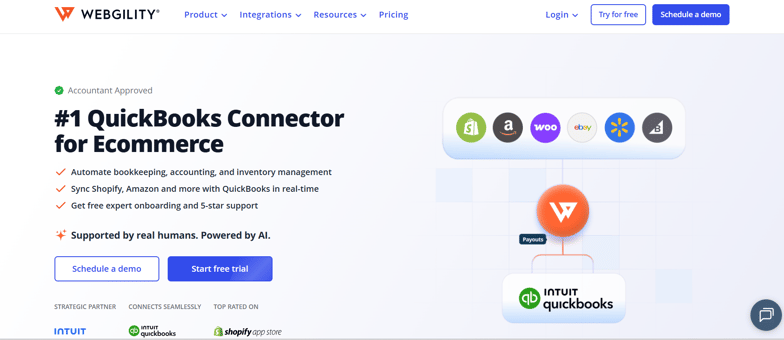
Webgility connects QuickBooks with leading ecommerce channels for automated bookkeeping and inventory sync.
See how Webgility automatically captures Amazon fee changes and keeps your books accurate across every channel.
FAQs
What is Amazon’s 2026 FBA surcharge?
Amazon added a 3.5% fuel and logistics surcharge to FBA fulfillment fees in the U.S. and Canada starting April 17, 2026. It applies to the fulfillment fee, not the item price.
Does Amazon's surcharge affect orders fulfilled through Shopify or other channels?
Yes. From May 2, 2026, the 3.5% surcharge extends to Multi-Channel Fulfillment (MCF) and Buy with Prime, not just FBA. Sellers using MCF to fulfill Shopify, Walmart, or WooCommerce orders are also subject to it, making cross-channel COGS inaccurate if not updated.
Should Amazon's fuel and logistics surcharge be classified as COGS or an operating expense?
It depends on your accounting method, which you need to confirm with your accountant. But the classification matters: as COGS it affects gross margin and per-unit profitability; as an operating expense it sits below the gross margin line and can obscure true fulfillment costs.
.png?width=128&name=image%20(2).png)