.png?width=96&name=image%20(2).png)

Shopify says you have 120 units. QuickBooks shows 97.
When Shopify and QuickBooks show different inventory counts, which number do you trust? For many Shopify sellers, the honest answer is: neither.
Over time, these small gaps compound into a QuickBooks–Shopify inventory management issue, leading to broken COGS, unreliable reporting, and costly fulfillment errors.
🫵 This problem shows up most often if you:
- Sell across multiple channels like Amazon, POS, or wholesale
- Manage 100+ SKUs, bundles, or kits
- Process frequent returns or partial refunds
- Rely on QuickBooks for inventory valuation and COGS tracking
If this sounds familiar, inventory drift isn’t a one-off bug, it’s a structural issue caused by systems that aren’t designed to stay aligned as you scale.
In this blog, we’ll break down why these mismatches happen, why manual fixes don’t scale, and how to keep Shopify and QuickBooks inventory aligned automatically.
What this problem actually is (and how the drift happens)
An inventory mismatch between Shopify and QuickBooks isn’t a calculation error, it’s a disconnect between systems. Here’s how inventory drift typically happens:
- A customer buys a product or bundle on Shopify
- Shopify immediately reduces available inventory
- The order syncs to QuickBooks later (or differently)
- Component SKUs, refunds, or adjustments don’t translate cleanly
- A return or partial refund restores inventory in Shopify, but not in QuickBooks
Shopify is built to sell fast. It focuses on what’s available right now to sell. On the contrary, QuickBooks is built to account accurately. It focuses on inventory value, COGS, and clean financials.
When these systems aren’t tightly synced, they start showing different versions of the same inventory.
💡The Reality: As order volume grows, manual fixes can’t keep up. That’s why this problem is so common for ecommerce teams using Shopify and QuickBooks without real-time inventory sync.
🛠 The Fix: Using Webgility, you can change the equation. Instead of letting Shopify and QuickBooks update inventory independently, Webgility keeps them aligned at the order level in real-time, so every sale, return, refund, and adjustment is reflected accurately in QuickBooks as it happens.
The result is consistent inventory counts, accurate COGS, and clean financials without manual reconciliation or end-of-month surprises.
Why inventory mismatches happen (The root causes)
When these systems (Shopify and QuickBooks) aren't communicating in real time, gaps emerge. Here are the root causes of this inventory mismatch problem:
- Timing and sync delays cause the most frequent issues. Orders processed in Shopify may take hours to reflect in QuickBooks with batch syncing. During high-volume periods, this delay creates windows where your inventory counts are already outdated
- Returns and refunds create another layer of complexity. A customer returns a product, Shopify restocks it automatically, but QuickBooks never receives the memo. Partial refunds where the item stays with the customer, damaged goods that can't be resold, and restocking fees all create scenarios where inventory adjustments don't translate cleanly between platforms
- Manual adjustments made in only one system compound the problem. If a warehouse manager records shrinkage (damage or theft) directly in QuickBooks but forgets to update Shopify, your online store will continue to sell items that don't physically exist
- Bundle and kit discrepancies are a major pain point for QuickBooks inventory management. You might sell a 'Skincare Bundle' on Shopify as a single SKU, but in QuickBooks, you need to track the individual cleanser, toner, and moisturizer. If the systems aren't mapped to 'de-kit' or 'assemble' these items, your component counts will never be right
- Multi-channel selling multiplies every issue. Sales from Amazon or your POS system update QuickBooks directly, but Shopify still shows that inventory as available. The lag across platforms leads to overselling and canceled orders
✅ The Truth: Without an integrated system, a sale on one platform is not instantly reflected on others. This lag means Shopify may continue showing an item as ‘in stock’ even after the last unit has been sold elsewhere.
The real cost of ignoring inventory discrepancies
When you can't trust your inventory numbers, the ripple effects touch every part of your operation.
1. Operational impact
- Overselling and stockouts that lead to canceled orders and lost revenue
- Fulfillment delays that trigger customer complaints and negative review
- Time wasted reconciling inventory instead of focusing on growth
2. Financial impact
- Inaccurate COGS and distorted profit margins at the SKU and channel level
- Inventory valuation errors affecting tax reporting and creating compliance issues
- Longer month-end close because your team is forced into cleanup mode
- Poor visibility into cash-flow as purchasing and profitability data can’t be trusted
3. Strategic impact
- You lose confidence in inventory and financial reports, making planning unreliable
- Reordering decisions break down (you overbuy slow movers and stock out on winners)
- Scaling becomes harder because every new channel, warehouse, or SKU multiplies the drift
Suggested Read: Shopify On Hand vs. Available: 5 Inventory Mistakes (And How to Spot Them)
How to fix QuickBooks-Shopify inventory management issue manually
Here’s a 6-step inventory mismatch checklist:
-
Compare the right Shopify number
Verify whether you should be reconciling Available or On hand inventory. -
Review unfulfilled and committed orders
Verify whether you should be reconciling Available or On hand inventory. -
Check sync timing and failures
Identify delayed, skipped, or failed inventory syncs. -
Audit returns and refunds end-to-end
Confirm inventory movement matches the financial outcome. -
Validate SKU and bundle mappings
Eliminate duplicates and ensure components deduct correctly. -
Adjust inventory only after fixing the cause
One-time QuickBooks adjustments should be the last step, not the first.
Note: This manual checklist works best when order volume is low. If you’re processing high order volume, inventory drift becomes too frequent to manage manually, wherein automation becomes the only scalable solution.
Suggested Read: Step-by-Step Guide to Scaling Your Online Store for Smooth E-Commerce Growth
Why traditional inventory reconciliation fails at scale
The manual approach (and why it breaks)
- Spreadsheet comparisons (Shopify export vs QuickBooks reports)
- Reactive month-end cleanup
- One-off QuickBooks adjustments
The issue is that reconciliation only compares end results, not the events that caused the drift.
📌The Bottom Line: Spreadsheets don’t prevent inventory drift; they only document it after it’s already done damage.
Why basic integrations fall short
Native QuickBooks connectors and low-cost sync tools usually work until you introduce real-world complexity. Most basic integrations:
- Sync orders, not inventory logic (they move transactions but don’t manage inventory behavior)
- Don’t handle partial refunds cleanly, especially when the item isn’t returned
- Struggle with bundles/kits, where Shopify sells one SKU but QuickBooks tracks components
- Miss key inventory events like restock conditions, shrinkage, and warehouse adjustments
- Offer little visibility into what changed, why it changed, or what failed to sync
- Provide limited audit trail, making reconciliation harder instead of easier
That’s why inventory drift keeps happening even when a sync tool is connected.
This is why exception-based automation matters.
Suggested read: QuickBooks Online Inventory Management: When to Stick, When to Switch, and What Alternatives Exist
How Webgility can be the source of truth for Shopify-QuickBooks inventory
Effective Shopify inventory management requires a system that understands both platforms deeply enough to keep them synchronized automatically. Webgility doesn’t just move data, it goes beyond sync.
Here's how Webgility acts as a bridge between Shopify and QuickBooks for inventory management:
- Syncs inventory changes in near real time (helps prevent overselling/stockouts)
- Handles complex cases (bundles, returns, refunds, multi-channel sales)
- Flags exceptions immediately so teams can fix issues once not chase them at month-end
- SKU-level mapping across systems prevents product matching errors. (Your Shopify SKUs align precisely with QuickBooks items, eliminating duplicate or mismatched products that throw off counts)
-
Supports more accurate inventory valuation and COGS reporting in QuickBooks
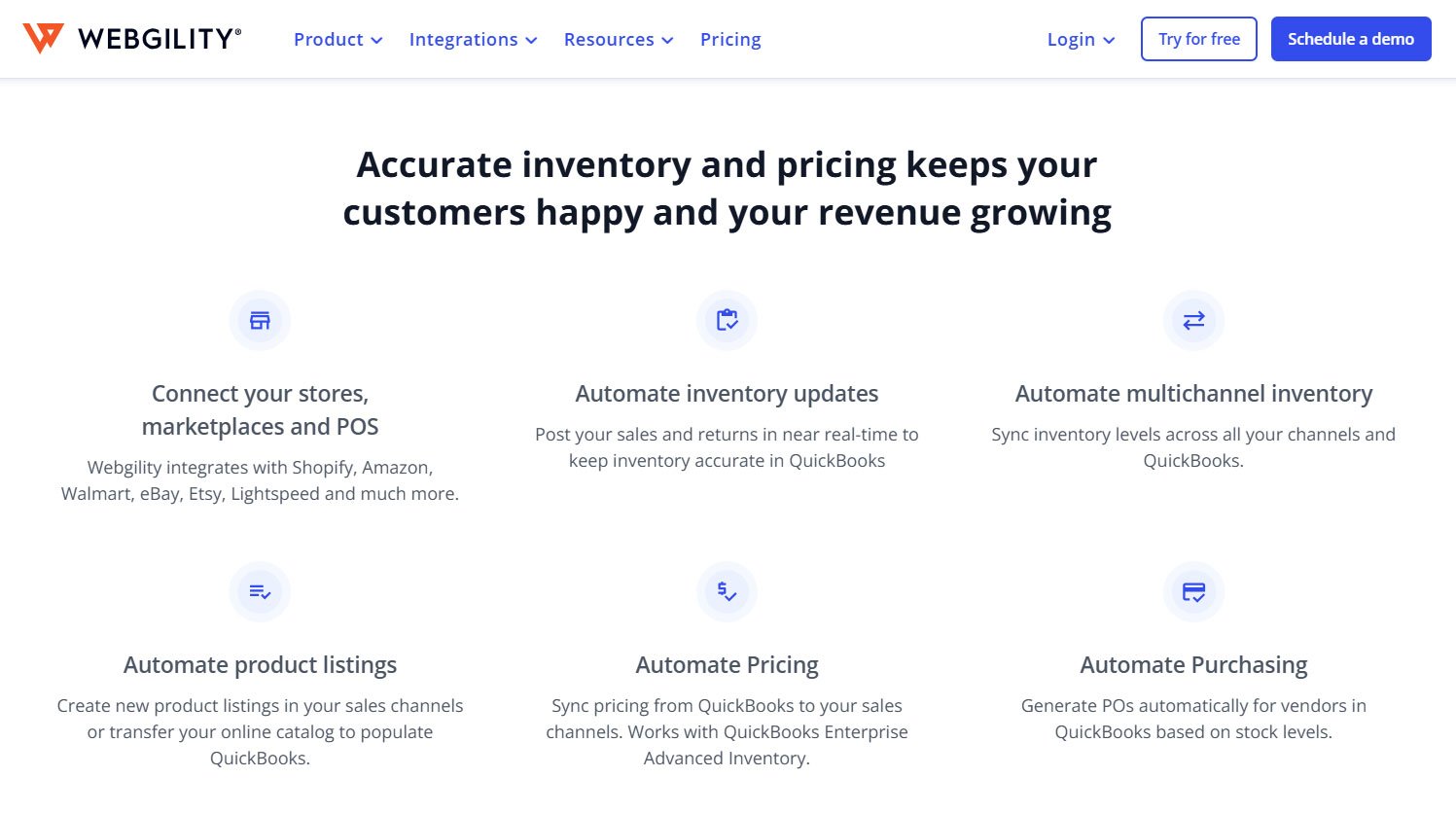
What sets Webgility apart: Centralized exception handling gives you clear visibility when something doesn't match. Instead of discovering discrepancies during monthly reconciliation, you see them immediately and fix issues once rather than chasing them repeatedly.
The success story of Different Roads to Learning
Different Roads to Learning, a publisher of educational materials for children with autism, sells over 500 products through Shopify while managing accounting in QuickBooks. As order volume increased, keeping inventory aligned between systems became unmanageable.
The challenge
- Shopify and QuickBooks showed different inventory quantities
- Returns and refunds weren't consistently reflected in QuickBooks
- Hundreds of SKUs made manual reconciliation time-consuming and error-prone
- Inventory discrepancies affected COGS accuracy and financial reporting
The solution (result)
- Orders, refunds, and inventory sync automatically across Shopify, QuickBooks, and the warehouse, saving 4–5 hours of staff time every week
- Transaction fees and payments are accurately recorded
- Exceptions surface early instead of during month-end close
- Reporting became reliable for faster business decisions
Stop inventory drift before it costs you!
Your inventory numbers should work for you, not against you.
The gap between Shopify and QuickBooks won't fix itself, and manual reconciliation only gets harder as you scale. Reliable Shopify inventory management requires systems that sync in real time, handle exceptions automatically, and give you data you can actually trust.
If not, automation, not more reconciliation, is the answer.

Stop guessing and go beyond sync. See how Webgility automates inventory sync between Shopify and QuickBooks so your numbers stay accurate without manual cleanup.
FAQ
Can QuickBooks be the source of truth for inventory?
It works best when all inventory changes / multi-channel orders flow into QuickBooks consistently and in near real-time. If Shopify or other channels update inventory independently, QuickBooks won’t reflect reality unless you use an automation tool to keep everything aligned.
Why is my inventory not updating on Shopify?
Your inventory may not be updating on Shopify because inventory tracking is off, the wrong location is assigned, or orders are reserving stock (unfulfilled orders). It can also happen if an inventory app/integration isn’t syncing properly or a sync fails.
Does QuickBooks inventory integrate with Shopify?
Yes. QuickBooks can integrate with Shopify through third-party integration tools or connectors like Webgility Lite that sync sales, customers, products, and inventory-related data between the two systems.
.png?width=128&name=image%20(2).png)