.png?width=96&name=image%20(3).png)
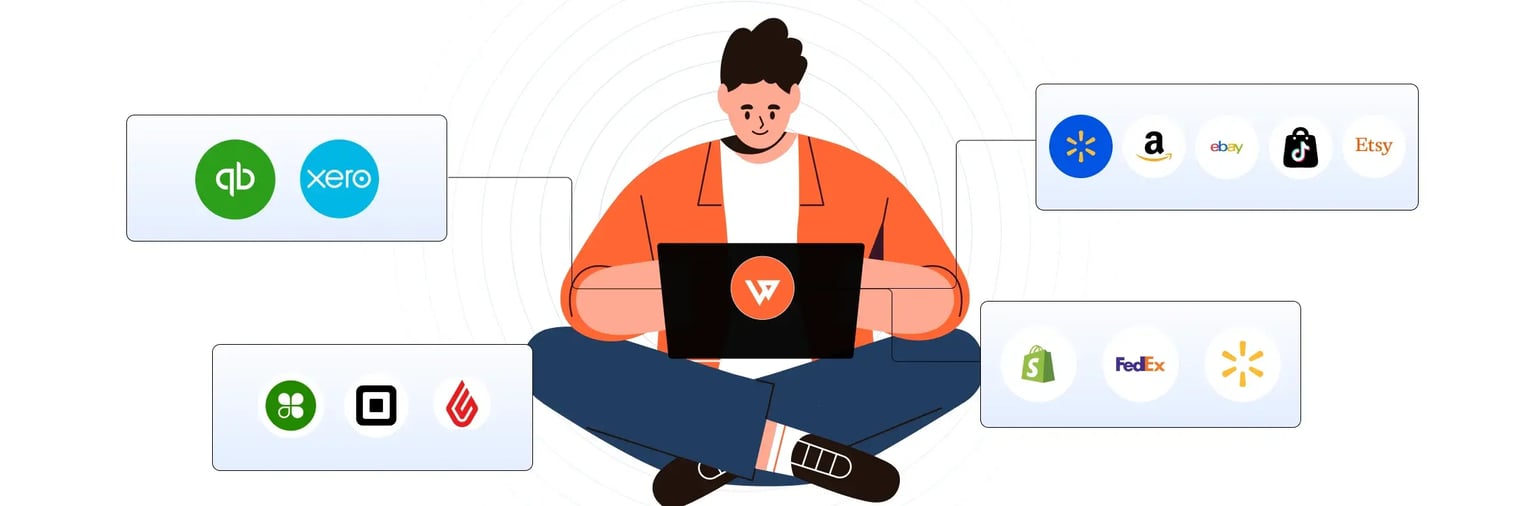
Shopify analytics dashboard looks robust until you need answers it cannot provide. You check your sales reports expecting clarity, but the numbers do not add up. Revenue appears high, yet fees, returns, and true margins are missing.
Relying on incomplete data leads to wasted spend, inventory mistakes, and missed profits. In this guide, you will uncover the hidden blind spots in Shopify sales analytics, see why they matter, and learn how to get the full picture for smarter, more profitable growth.
The promise and reality of Shopify sales analytics
Shopify's sales analytics dashboard promises a complete view of your business. It displays sales trends, top products, and customer behavior. For many merchants, this seems like everything needed to make informed decisions.
Most merchants expect their analytics to deliver:
- Clear channel performance metrics
- Profit breakdown by product and category
- Actionable insights for inventory decisions
- Accurate marketing attribution
- Real-time financial health indicators
In reality, these expectations often go unmet.
Take this common scenario, for example: You check Shopify’s analytics dashboard. Amazon shows $10,000 in monthly revenue, while your Shopify store generates $8,000. Amazon appears to be your top performer.
However, the report omits key details, such as Amazon’s 15% referral fees, payment processing costs, and higher return rates.
Once you factor in these costs, Amazon’s actual profit contribution drops to $1,500, while your direct channel nets $7,500. The dashboard highlights volume, not value.
What Shopify shows vs. what you actually need
|
What Shopify Shows |
What You Actually Need |
|
Revenue by channel |
True profit margin by channel (fees included) |
|
Total sales volume |
SKU-level profitability (with COGS) |
|
Top-selling products |
Products with the highest margin contribution |
|
Customer count |
Customer lifetime value and repeat purchase behavior |
|
Traffic sources |
Accurate attribution (not 40% “Direct”) |
|
Order count |
Return and refund impact on profit |
Table: Shopify Analytics Capabilities vs. Merchant Needs
Shopify’s analytics are a starting point. As soon as you add a second channel or your business begins to scale, these limitations become critical.
But what is Shopify’s dashboard not telling you?
Suggested Read: Shopify eBay Integration Guide
The hidden blind spots in Shopify analytics
Shopify’s native reports leave out crucial details that can make or break your business. These are not minor oversights; they are systematic gaps that affect every decision you make.
1. Profitability blindness: Revenue is not profit
Shopify reports show revenue, not profit. This leads merchants to chase high-volume channels without understanding the real margins underneath.
Platform fees vary by channel:
- Amazon: 8–45% commission depending on category
- eBay: 13.6% final value fee on sales less than $150, with per-order fees of $0.30-$0.40
- Shopify Payments: 2.5%-2.9% plus $0.30 per online transaction, depending on plan
- Additional costs: shipping, returns, COGS
For example, a merchant sees $50,000 in monthly Amazon sales. After 15% referral fees, returns, and shipping, only $7,500 goes to profit, a 15% margin. Meanwhile, $30,000 in direct Shopify sales yields $26,700 in profit, or an 89% margin.
Shopify’s “Sales by channel” and “Sales by product” reports do not show these deductions. Merchants often make decisions based on gross revenue, not true profitability.
2. Multi-channel chaos
If you sell across multiple platforms, Shopify’s dashboard only shows Shopify data. You must juggle separate dashboards for Amazon, eBay, and other channels, each with different metrics and reporting delays.
The challenge grows with multiple Shopify stores. Each store exists in its own analytics silo, with no aggregate view or easy comparison. You cannot see which marketplace generates the highest margin per unit or track inventory turns by channel.
Inventory planning becomes guesswork, and you risk over-allocating to less profitable channels.
3. Attribution errors that waste budget
Shopify often misattributes traffic sources. Shopify analytics often attributes 70-85% of traffic and revenue to 'Direct,' masking visits from Instagram ads, email, and Google Search due to tracking gaps and privacy protections.
Privacy changes, ad blockers, and cookie limitations break attribution tracking.
Also, platform discrepancies add confusion:
- Facebook claims it drove $10,000 in sales
- Shopify attributes $4,000 to Facebook
- The $6,000 gap remains unexplained
Your return on ad spend calculations are off, leading to wasted budget on underperforming channels and missed opportunities on high-performing ones.
Red flags: Signs you have outgrown native analytics
- You cannot answer: “Which channel is actually most profitable?”
- You spend 2+ hours weekly checking multiple dashboards
- Your team disagrees on which marketing channels work
- You cannot track profit by SKU or category
- You rely on spreadsheets to reconcile multi-channel data
- You have no real-time inventory visibility across channels
These gaps are not just technical; they directly affect your bottom line. Accounting automation platforms like Webgility can unify data across stores and channels, revealing the true story behind your numbers.
Suggested Read: Sync Inventory Etsy Shopify Sync Inventory Between Etsy and Shopify Without Errors
The real cost of incomplete data: Lost revenue and bad decisions
Every blind spot in your analytics translates into real business risks. Incomplete data leads to wasted spend, inventory headaches, and missed growth opportunities.
Poor marketing decisions
Attribution errors mean you cannot see which channels actually drive profitable sales. Research shows that 45% of marketing data used for decisions is incomplete, inaccurate, or outdated.
When attribution is wrong, you may cut budgets from high-performing channels that appear weak, while doubling down on channels that look strong due to faulty tracking.
For example, a merchant allocates $5,000 to YouTube ads. Shopify attributes only $2,000 in orders to YouTube, making the return on ad spend calculations are off.
The merchant cuts YouTube, not realizing that YouTube actually drove $8,000 in orders. The best channel is cut due to incomplete data.
Inventory and fulfillment inefficiency
Without unified, accurate data, inventory management becomes a guessing game. Overselling and stockouts are common when inventory is not synced across channels.
According to Gartner’s Hype Cycle for Retail Technologies, store-level inventory accuracy can be as low as 60%, underscoring the need for advanced inventory visibility solutions in omnichannel retail.
Overselling has a direct cost. For one retailer, a 10% oversell rate on 500 daily orders costs over $160,000 annually in wasted acquisition spend and customer churn.
Missed margin opportunities
Many merchants scale unprofitable channels because they cannot see true margins. A channel may drive the most revenue but contribute the least profit after fees and returns. Merchants often discover this only after months of wasted investment.
Case study: BeeCure
BeeCure, a health-and-beauty brand selling on Amazon and Shopify, was losing days each month to manual reconciliation and reporting.
After implementing Webgility, the brand saved 40 hours per month and reduced month-end reconciliation from about a week to 1–2 hours, with accurate, real-time financials synced from Amazon and Shopify into QuickBooks.
What modern analytics platforms reveal that Shopify cannot
Modern analytics tools unify your data, reveal true profitability, and automate the busy work Shopify leaves behind.
Advanced analytics platforms provide:
- Unified reporting across all channels (Shopify, Amazon, eBay, Walmart, Etsy)
- Real-time profitability factoring in fees, refunds, shipping, and COGS at the order and SKU level
- Multi-channel visibility for inventory, sales, and margins
- Automated reconciliation matching orders to payouts
|
Capability |
Shopify Native |
Advanced Platforms |
|
Revenue tracking |
Yes, basic |
Yes, detailed by channel/SKU/customer |
|
COGS and fees inclusion |
No, gross only |
Yes, net profit calculated |
|
Multi-channel support |
Shopify only |
50+ channels |
|
Payout reconciliation |
Manual |
Automatic, real-time |
|
Inventory sync |
Limited |
Real-time across all channels |
|
Marketing attribution |
Basic, often inaccurate |
Multi-touch, more accurate |
|
Return/refund tracking |
Basic |
Detailed, with margin impact |
|
Profitability by SKU |
No |
Yes, with cost allocation |
|
Time to the month-end close |
3–5 days manual |
1–2 hours automated |
|
Real-time alerts |
No |
Yes, on margin and inventory |
Table: Shopify vs. Advanced Analytics Capabilities
For a growing business, these differences mean hours saved each week and thousands of dollars in better decisions.
How Webgility helps: Real-world analytics, unified
Webgility connects Shopify, major marketplaces, POS systems, and accounting platforms in real time. The platform automatically syncs orders, payouts, fees, inventory, and returns, feeding all data into your accounting system and analytics dashboard.
How Webgility closes the analytics blind spots
- Real-time SKU and channel profitability: See net profit for every order, with COGS, fees, refunds, and shipping broken out. Instantly know which channels and products are most profitable
- Centralized dashboard across all channels: View all orders, inventory, and financial data in one place. Spot trends and make faster decisions
- Automated reconciliation and month-end close: Orders and payouts are matched automatically, reducing the month-end close from days to hours
- Real inventory sync: Inventory updates across all channels in real time, preventing overselling and stockouts
- Accurate marketing attribution: Order data is synced with payment and accounting records, clarifying which marketing channels drive profitable sales.
PartyMachines saved 8–16 hours weekly by eliminating manual data entry and now understands channel and SKU performance at a glance.
Webgility is trusted by over 5,000 ecommerce businesses and holds a 4.6/5 average rating on G2, Capterra, and the Shopify App Store.
Next steps: Building analytics confidence beyond Shopify
The right data is the foundation for every growth decision. As your business grows, knowing what to track and when to upgrade your analytics sets you up for smarter, faster growth.
What to track next
- Profitability by channel and SKU
- Multi-channel sales and inventory turns
- Reconciliation speed and accuracy
- Marketing attribution and customer lifetime value
Self-assessment: Signs you have outgrown Shopify analytics
- You sell on more than one channel or marketplace
- You spend hours reconciling orders and payouts each month
- You cannot see true profit after fees, returns, and ad spend
- You experience frequent overselling or stockouts
- Your team relies on spreadsheets to fill reporting gaps
Conclusion
If you recognize these signs, it may be time to explore advanced analytics options. Learn more about Shopify accounting integration, SKU-level profitability tracking, and multi-channel sales reporting.
Shopify’s analytics are a starting point, but true growth depends on seeing the full picture. See how Webgility can help you with Shopify sales analytics.
FAQs
What are the biggest data gaps in Shopify sales analytics?
Shopify sales analytics do not include fees, refunds, or true profit margins. They also lack unified data across multiple channels, making it hard to see the complete financial picture.
How can I see real profit for each sales channel?
You need to factor in all fees, shipping, returns, and ad spend. Advanced analytics tools automate this and show net profit by channel and SKU for accurate decision-making.
Why is my marketing attribution in Shopify often inaccurate?
Shopify may misclassify up to 40% of traffic as “Direct” due to privacy changes and tracking limitations. This makes it difficult to know which campaigns actually drive sales.
When should I consider upgrading from Shopify’s native analytics?
If you sell on more than one channel, spend hours reconciling data, or cannot see true margins, it is time to consider advanced analytics tools.
.png?width=128&name=image%20(3).png)

-Mar-26-2026-09-27-39-0601-AM.webp?width=760&name=1%20(2)-Mar-26-2026-09-27-39-0601-AM.webp)
-4.webp?width=760&name=1%20(2)-4.webp)