.png?width=96&name=image%20(1).png)

Key Takeaways:
- Master core accounting terms and GAAP principles before anything else
- Accrual accounting beats cash accounting for ecommerce businesses
- Monitor cash flow in real time, most platforms only pay out every few days
- Always know your COGS, gross margin, and break-even point
- Use accounting software to automate, reduce errors, and close books faster
Bad books don't just make tax season miserable. They make it impossible to know if your store is actually growing or just busy. And in ecommerce, where margins are thin and cash flow can be unpredictable, that distinction matters a lot.
Before you scale your ad spend, expand to a new channel, or bring on your first hire, get clear on the numbers. Not all of them. Just the right ones.
This guide covers the accounting terms that come up again and again in ecommerce, the principles behind accurate financial reporting, and 10 foundational concepts, from COGS to break-even point, that every online seller should understand before they make their next big move.
Accounting 101: The accounting cycle for online and in-person sales
Most accounting guides list eight steps. Here's what they mean in practice for online and in-person sellers:
| Step | What you're doing | Watch out for |
| 1. Capture transactions | Record every sale, refund, fee, chargeback, and POS transaction | Marketplace payouts that bundle multiple fees into one number |
| 2. Categorize correctly | Post revenue, expenses, and inventory costs to the right accounts | Shopify, Amazon, and POS sales each have different fee structures, they can't be treated the same |
| 3. Balance your books | Run a trial balance to make sure debits and credits match | Duplicate entries from manual input; POS end-of-day discrepancies |
| 4. Close the period | Confirm everything is recorded and lock the period | Don't close on the last day of the month if you sell on marketplaces payouts can take up to two weeks to settle |
10 online accounting basics for business owners
Master these fundamentals and turn your online store's numbers into your biggest competitive advantage:
1. Learning the difference between cash and accrual accounting
Cash accounting is simple. Any money coming in is considered income, and money going out is an expense. This method is the most elemental form of accounting and is perfect for tracking simple cash flow.
However, ecommerce accounting operates a bit differently, which is why online retailers should also be familiar with accrual accounting. The accrual method counts income and expenses when the transaction occurs rather than when the payment is made. And it's more beneficial for inventory-based businesses.
Sellers need to track revenue at the time of each sale, not when they collect money. This type of accounting will help you visualize the long-term impact of your business’s cash flow.
2. Tracking cash flow
Perhaps the most important performance indicator to monitor is your business’s cash flow or the way money moves in and out of your business. Seems simple, right? Think again.Most ecommerce platforms and online marketplaces only provide cash flow reporting every few days or weeks via payouts and settlements.
So sellers and accountants need to integrate these channels with technology that helps them visualize business analytics in real time. Cash flow should include any auxiliary costs, holds on incoming revenue, and other factors.
3. Counting inventory
Another fundamental ecommerce accounting principle to understand is the basics of inventory counting. Many costs get folded into inventory, such as materials, manufacturing, packaging, storage, shipping, and more.
Part of maintaining positive cash flow is acquiring a breakdown of all costs, but it doesn’t stop there. Be sure you know the value of the products you’re selling, how many you're selling compared to how many you're producing, and where you can access a thorough count of what’s in stock at any given time.
4. Knowing the costs of goods sold
Cost of goods sold (COGS) refers to the amount you spend to produce your products, including material, labor, distribution, and other associated costs. It’s critical to calculate these expenses before listing products in your online store to price them strategically for maximum profitability.
The right accounting automation software can automatically track all of this for you, providing your business with accurate financial data every step of the way.
5. Calculating your expenses
Your business expenses include everything from overhead, utilities, storage, property expenses, inventory costs, etc., to marketplace fees for Amazon, Etsy, and eBay and ecommerce platform fees for Shopify and BigCommerce.
Some expenses, such as rent and priority mail shipping, are fixed, while variable expenses fluctuate throughout the year. Variable expenses can drastically affect your cash flow.
You should always factor any dramatic changes to things like business development costs or advertising budgets into your overall expense calculations. Overall, organizing your business expenses is essential for identifying tax deductions.
6. Finding your break-even point
If your business is making a consistent profit, great! But don't get too comfortable. Get to know your break-even point to stay ahead of the game and ensure you operate at a comfortable profit margin. At this point, the dollars you earn fully cover the dollars you spend.
If your operating expenses are too high while incoming revenue is too low, you’ll fall short of your break-even point and fail to generate profit. While this imbalance might occur temporarily while you ramp up your operation, your business cannot remain viable if it becomes a long-term problem.
7. Determining your gross margin
Your break-even point and COGS are also tied to your gross margin, which is calculated by subtracting the cost of goods sold from your sales revenue. The higher your gross margin, the more of each dollar you retain to use for anything from debt repayment to marketing your business. Therefore, it's much easier to be profitable in the long term if you keep your company's overhead expenses within reason.
8. Meeting sales tax requirements
It can’t be overstated that even a simple understanding of the ever-changing sales tax requirements for ecommerce businesses is a huge advantage. Because ecommerce retailers don’t operate like traditional stores, the tax burden changes from state to state.
Combining your knowledge with the best accounting software and the help of an ecommerce accounting professional can propel your business into even more success.
9. Generating profit and loss statements
Profit and loss statements (P&Ls) show a snapshot of your business within a certain period by summarizing income and expenses. They're also referred to as income statements or earnings statements.
The data on a P&L gives you an accurate view of how your business is doing from month to month and quarter to quarter and includes data regarding your gross margin, operating expenses, and profits. You'll also reference your P&Ls when working with an accounting professional, as well as your balance sheet and cash flow statements.
10. Analyzing your balance sheets
Once again, keeping meticulous accounting records will show you a broad view of your business’s overall growth. A balance sheet shows your business’s assets, equity, and liabilities.
Consider it this way: While your P&L offers a snapshot of your business at a particular moment, your balance sheet showcases the bigger picture. These two documents come together to paint a detailed picture of your business’s financial health in the short and long term.
Conquer the basics with an accounting solution
Understanding these fundamentals is the difference between running your business and guessing at it. But accurate books require more than knowledge, they require the right system.
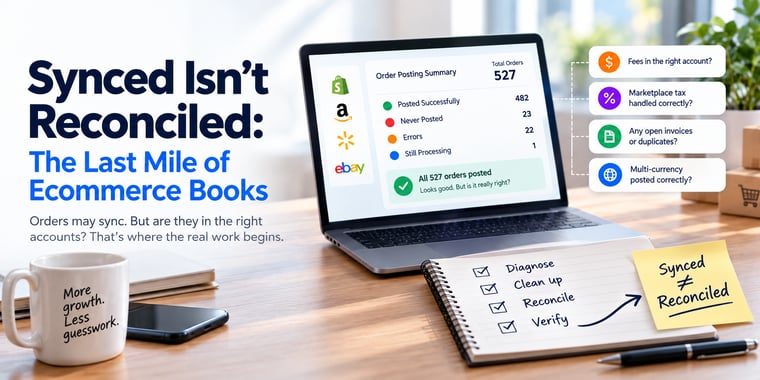
That's where most sellers get stuck. Data fragmented across channels, platforms, and payout schedules that don't talk to each other.
BeeCure gained back 40 hours a month after switching to Webgility, time they reinvested into growing the business instead of managing spreadsheets.
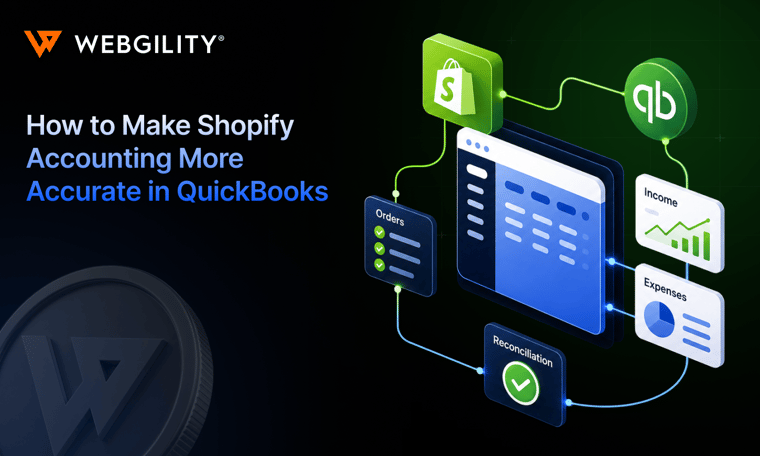
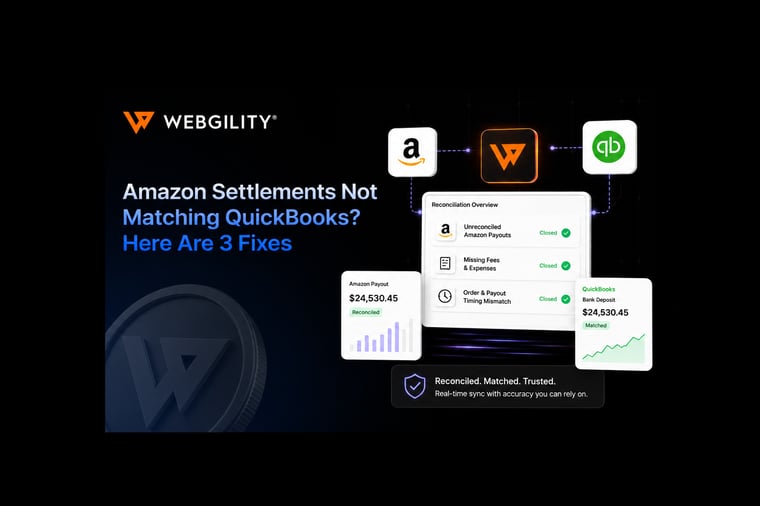
Webgility goes beyond sync. It connects your sales channels, POS, and QuickBooks into one clean, automated flow, so you stop guessing and start knowing exactly where your money went.
.png?width=128&name=image%20(1).png)