Scale Channels, Not Cleanup
Every channel you add splits your view and multiplies the reconciliation work. Webgility pulls them all into one real-time picture and closes the books across all of them at once.
Six Dashboards Is Not a Business View
When you're running Shopify, Amazon, Walmart, and a warehouse, each one shows its own numbers on its own schedule. The Amazon settlement is 14 days behind. Shopify is live but doesn't itemize fees. Your warehouse syncs overnight. You're checking six systems constantly and still don't know your actual position.
Webgility pulls every channel into a single real-time view. Orders, inventory, fees, and payouts from every source, normalized to the same accounting basis, available in one place. You stop monitoring systems and start running a business.
Every Channel Reports in Its Own Language
Shopify reports post-tax net revenue. Amazon reports a gross settlement with fulfillment fees, referral fees, and advertising costs already netted out, on a two-week delay. Walmart uses its own fee structure and payout timing. Comparing those numbers directly gives you the wrong answer. The Shopify number and the Amazon number are not measuring the same thing.
Webgility normalizes every channel's data to the same accounting basis before it enters QuickBooks. Gross revenue, fees by type, taxes collected, refunds, and net payout, separated per order, per channel, per period. When you look at channel P&L, you're comparing like to like.
Amazon adds a tax-season dimension to this. Its 1099-K reports gross processed volume — including sales tax collected, shipping charges, and refunds — none of which is actual revenue. Sellers hit the same wall every year: why doesn't my 1099-K match QuickBooks? Without proper normalization, it won't. Webgility's reconciliation layer is what makes your Amazon books tie back to the 1099-K automatically.
Month-End Doesn't Have to Be a Scramble
Every channel's orders, fees, and settlements reconcile to the same QuickBooks instance. You close once. It covers everything.
At 3,000 orders a month across three channels, manual close takes 2–3 days and a part-time bookkeeper. Webgility customers at that volume close in hours: same books, a fraction of the labor.
- Amazon CSV · reconcile manually
- Shopify payout · reconcile manually
- Walmart settlement · reconcile manually
- eBay export · reconcile manually
- 2–3 days per month · every channel
- All channels pull automatically
- All settlements matched and posted
- All fees categorized per channel
- Single close, same QuickBooks
- Hours total · not days per channel
See Webgility in Action.
A real instance pre-loaded with sample orders, channels, and accounting entries. Nothing to install. No account needed.
Add Channels. Not Headcount.
The inflection point where multichannel operators normally hire a reconciliation coordinator doesn't require new headcount when Webgility is handling the data layer. The automation absorbs the volume.
Channel-level P&L
Margin by channel, net of fees, returns, and fulfillment. Know which channel is actually profitable before you scale it. No blended averages.
One inventory count
Unified inventory across all channels, warehouses, and fulfillment locations. Every sale on every channel decrements the same QuickBooks count in real time.
Close in hours, not days
All channels close together. One reconciled QuickBooks instance. Certified books, no matter how many channels you're running or how fast you're growing.
Ecommerce operators that know the pulse of their channels in one click.

I found inventory control was my biggest challenge. Cross posting on so many channels, it's easy to oversell. Webgility keeps my sales channels aligned perfectly.


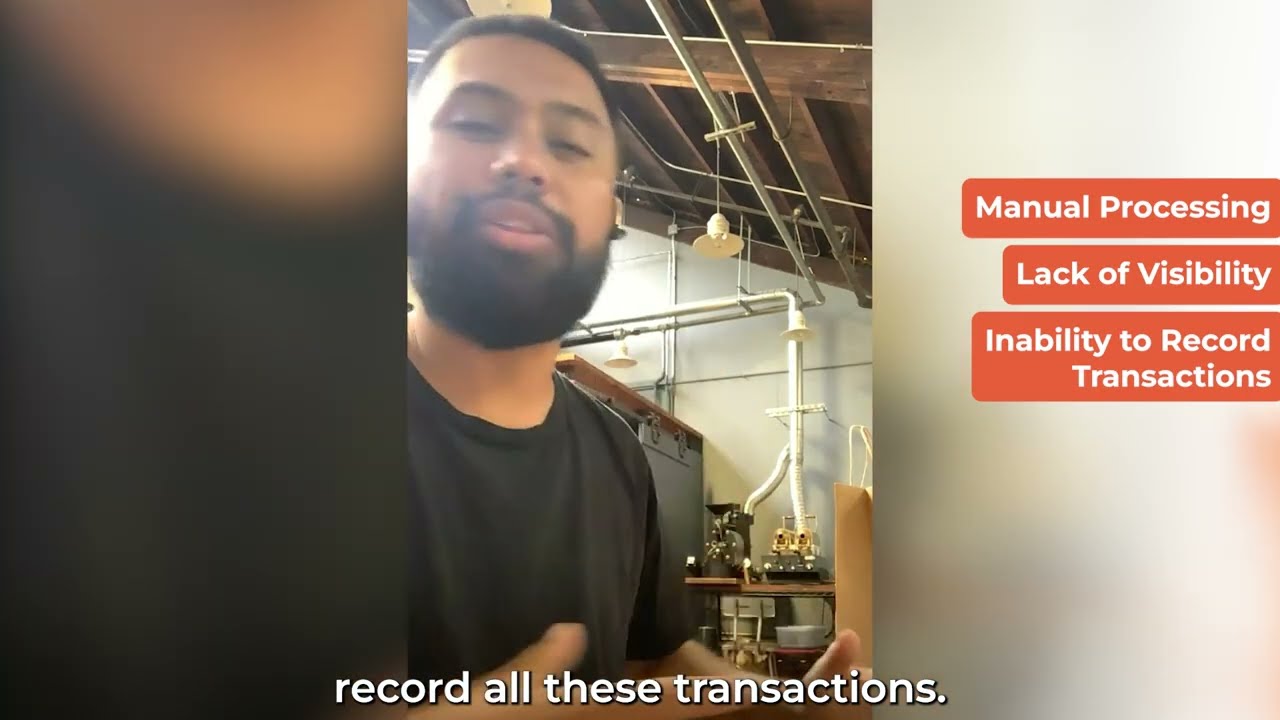

Once we turn the automation on, it's like a crockpot. You set it, you forget it, your ingredients are in there, and then you just go in and manage the meal.

Inventory Visibility
One count across every channel, warehouse, and fulfillment location. The SKU-level reality, updated with every sale on every channel.
Inventory visibility →Margin Visibility
Channel P&L net of all fees, returns, and fulfillment costs. Know which channel is actually profitable, not which one reports the most revenue.
Margin visibility →Shopify Integration
Shopify payouts, fees, refunds, and inventory reconciled to QuickBooks or Xero at the order level. Payout matches bank matches books.
Shopify integration →Amazon Integration
FBA fees, settlement reports, reserve tracking, and advertising costs pulled from Amazon and posted correctly to QuickBooks, every settlement period.
Amazon integration →Certified Books Closed
Every channel reconciled, every entry reviewed, books closed by a named accountant every month. Not just synced. Certified.
Certified books →Why Ecommerce Books Break
The structural reasons multichannel accounting fails, and what has to be true about the infrastructure to prevent it.
Read the breakdown →Find out what your operational gaps are actually costing you.
Our team of experts will help surface your operations and finance concerns. In 30 minutes, we will discuss your channels, accounting setup, leakages, inventory inconsistencies, and close process.