.png?width=96&name=image%20(9).png)
|
TL;DR:
|
“Note: This blog is updated for BigCommerce’s June 2026 pricing changes.”
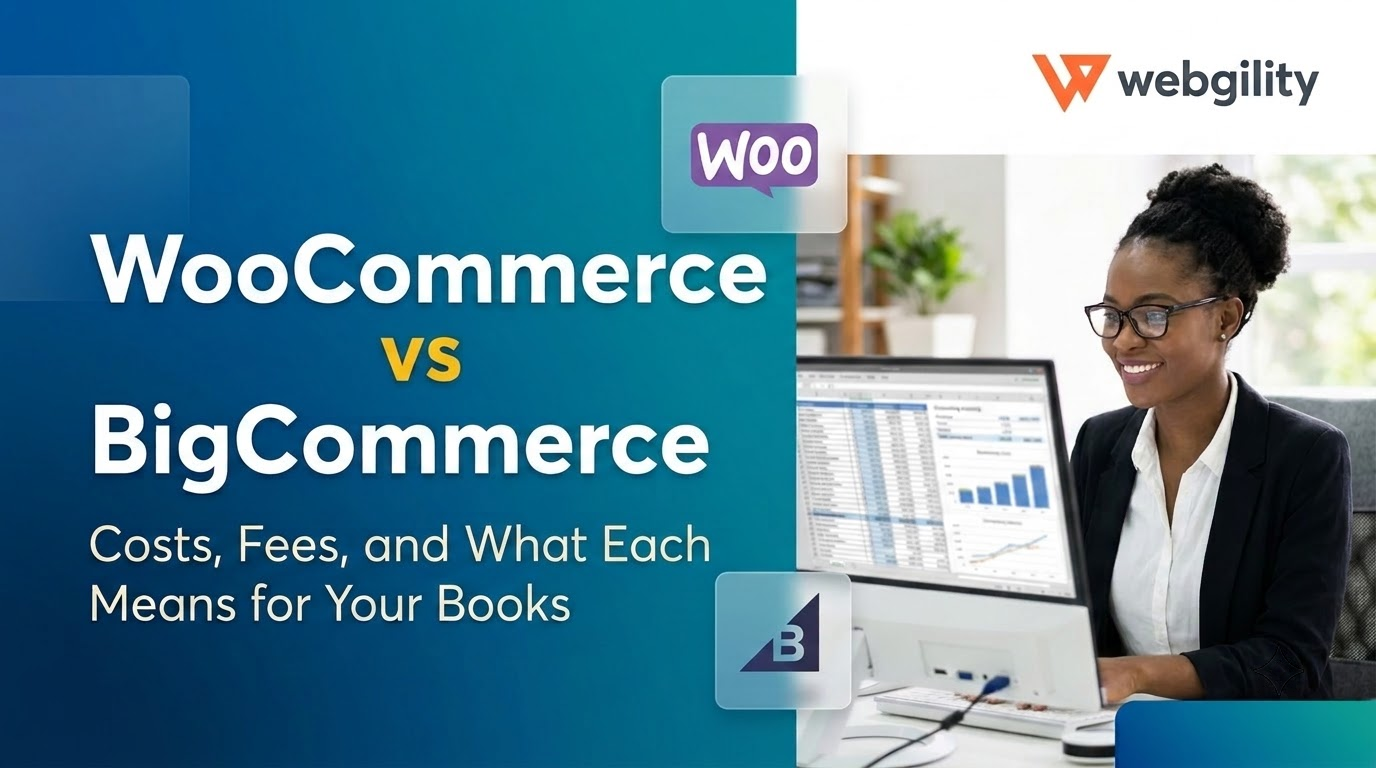
Choosing between WooCommerce and BigCommerce isn't only about themes, checkout features, or how quickly you can launch a store.
For a growing ecommerce business, the bigger question is what the platform costs as order volume increases and how much work those orders create for your finance team afterward.
In this WooCommerce vs BigCommerce comparison, we'll look at pricing, payment fees, maintenance, scalability, multichannel selling, SEO, and one factor that often gets overlooked: what each platform means for your accounting.
|
Quick verdict: WooCommerce is a better fit if you already use WordPress, want maximum control, and have the technical resources to manage your store. BigCommerce is stronger if you want managed infrastructure and more multichannel and B2B capabilities out of the box. But from June 2026, BigCommerce's actual cost also depends on your annual sales and which payment providers process your orders. |
WooCommerce vs BigCommerce at a glance
|
Feature |
WooCommerce |
BigCommerce |
|
Platform type |
Free, open-source WordPress plugin you host yourself |
Hosted SaaS platform |
|
Starting cost |
$0 for the plugin, plus hosting, domain, and extensions |
$39/month on Core ($29/month billed annually) |
|
Platform fees |
Free; you pay only your payment processor |
Free through embedded providers; 0.6% to 2% Open Payment Provider Fee otherwise |
|
Sales caps |
None |
Auto-upgrades past $30K (Core) or $100K (Growth) in trailing 12-month GMV |
|
Hosting and security |
You (or your host) manage them |
Managed by BigCommerce |
|
Customization |
Unlimited, with full code access |
Flexible via themes, APIs, and headless builds |
|
Multichannel |
Through extensions |
Strong built-in channel ecosystem |
|
B2B |
Through extensions |
Native B2B tools, deeper on higher plans |
|
Content and SEO |
Full WordPress CMS and SEO plugins |
Solid built-in SEO; basic blog |
|
Accounting sync |
Needs a connector |
Needs an integration |
|
Best for |
WordPress users who want control, customization and content-heavy stores |
Low-maintenance, managed growth, multichannel, and B2B sellers |
What's the core difference between WooCommerce and BigCommerce?
WooCommerce is software you own and run. BigCommerce is a platform you subscribe to. Let’s dig both these platforms deeper:
What is WooCommerce?
WooCommerce is a free, open-source plugin that turns a WordPress site into an online store. It’s built and maintained by Automattic, and you choose the hosting, own the code, and control your data. That flexibility is one of its biggest strengths but it also means more responsibility for keeping the technology stack running.
What is BigCommerce?
BigCommerce is a hosted software-as-a-service (SaaS) platform that takes care of hosting, security, and updates for you. Its parent company, formerly BigCommerce Holdings, renamed itself Commerce.com, Inc. in July 2025 and now runs BigCommerce alongside Feedonomics and Makeswift.
WooCommerce vs BigCommerce: Where each platform actually wins
1. Pricing and transaction fees
Woocommerce
WooCommerce is free, but hosting, extensions, security, and maintenance add to the cost. The platform takes no cut of your sales; you pay only your payment processor.
BigCommerce
BigCommerce includes hosting, with plans starting at $29/month when billed annually. Since June 2026, BigCommerce also charges an Open Payment Provider Fee on eligible transactions:
|
Plan |
Monthly price (annual billing) |
Open Payment Provider Fee |
|
Core |
$29 |
2% |
|
Growth |
$79 |
1% |
|
Scale |
$299 |
0.6% |
These fees don't apply to orders processed through BigCommerce's listed Embedded Payment Providers. See official pricing changes.
Verdict: WooCommerce is cheaper to start, while BigCommerce has more structured pricing.
2. Ease of use and maintenance
Woocommerce
WooCommerce requires you to manage hosting, plugins, updates, and compatibility, making it better suited to teams with WordPress experience.
BigCommerce
BigCommerce handles hosting, security infrastructure, and platform updates.
Verdict: BigCommerce is easier to maintain; WooCommerce offers more control.
3. Scalability and B2B
Woocommerce
WooCommerce performance depends on hosting and caching. High-Performance Order Storage, the default for new stores since 2023, gives orders their own database tables, and 2026 releases kept chipping away at speed, from a faster dashboard in 10.6 to checkout and query speedups in 10.9.
BigCommerce
BigCommerce offers managed infrastructure, multi-storefront, and headless options. Plans move up automatically as you grow; Scale stores shift to Performance at $2M in trailing 12-month GMV.
For B2B, BigCommerce’s native B2B tools are stronger out of the box. Just remember that purchase-order revenue on self-serve plans counts toward the Open Payment Provider Fee.
Verdict: Both platforms scale. BigCommerce needs less engineering; WooCommerce needs the right hosting and developer investment.
4. Multichannel selling
Woocommerce
WooCommerce supports selling across Amazon, eBay, Walmart, and social channels through plugins and third-party integrations. It offers greater flexibility in choosing integrations, but may require more setup and maintenance.
BigCommerce
BigCommerce includes built-in channel connections for major marketplaces and social platforms, plus Feedonomics, a sister product for managing product feeds.
Verdict: Both platforms support multichannel selling, but BigCommerce offers more built-in integrations.
|
Pro tip: Either way, every new channel brings its own payout schedule, fee structure, and inventory pool. Adding Amazon or Walmart multiplies what must be reconciled at month-end, so plan inventory sync and accounting before adding the next channel. |
5. SEO and Content Marketing
Woocommerce
WooCommerce runs on WordPress, so you get a full blogging engine and SEO plugins like Yoast and Rank Math, making it particularly attractive if guides, editorial content, organic search, and custom content experiences are central to acquisition.
BigCommerce
BigCommerce includes solid built-in SEO controls, such as editable URLs, meta fields, and automatic sitemaps, but its blog is basic. It can be simpler for teams that want ecommerce functionality without maintaining a large WordPress stack.
Verdict: WooCommerce is particularly strong for content-led brands; however, BigCommerce covers the technical essentials.
The part most comparisons skip: What each platform does to your books
Neither WooCommerce nor BigCommerce is an accounting system. Both produce sales data that still has to become accurate books, and that’s where growing sellers lose the most time.
On either platform, you’ll still have to handle:
- Payouts that don’t match orders, because deposits arrive net of fees, refunds, and chargebacks (here’s where to look when they don’t tie out)
- Fees from processors, marketplaces, apps, and now BigCommerce’s Open Payment Provider Fee
- Sales tax across multiple jurisdictions
- Inventory and cost of goods sold across every channel
Here’s what it means: A $100 order doesn't necessarily become a $100 bank deposit.
WooCommerce syncs usually run through plugins that must keep pace with updates; BigCommerce connects through apps and its API. Either way, your accounting platform (QuickBooks or Xero) needs a connector, or your books start to break.
What to look for in an accounting integration
- Transaction-level posting, avoid if the platform only provides summary-level posting
- Separate lines for fees, refunds, shipping, and tax
- Automatic payout-to-deposit matching
- Inventory sync across every channel
- Support for both platforms (WooCommerce and BigCommerce), so switching later doesn’t mean rebuilding your setup
So, WooCommerce or BigCommerce?
Pick WooCommerce if:
- You already run WordPress or grow through content
- You want full ownership of your code, data, and design
- You have in-house or agency developers
- You’d rather avoid platform fees and sales-based plan caps
Pick BigCommerce if:
- You want hosting, security, and updates handled for you
- You sell across several marketplaces and social channels
- You need B2B features or multiple storefronts
- You can run most payments through an embedded provider
Thinking about switching platforms this year?
BigCommerce’s June changes have some merchants running the numbers on WooCommerce, while WooCommerce sellers tired of maintenance look the other way. Whichever direction you go:
- Map products and SKUs consistently
- Plan the migration of orders and customer data
- Preserve important URLs and set up 301 redirects
- Decide when new orders will stop entering the old platform
- Keep the same accounting mappings wherever possible
- Reconcile outstanding payouts before closing the old store
If possible, make the accounting cutover around a clean reporting period rather than halfway through an already complicated month.
Whichever platform you pick, keep your books in sync!
The ecommerce platform determines how you sell. But, your back office determines whether all those sales turn into financial data you can actually trust.
Webgility automates that back office on both platforms. It syncs WooCommerce and BigCommerce orders, fees, refunds, taxes, and inventory into QuickBooks (Online and Desktop) or Xero, in summary or transaction-level detail. Every payout gets mapped, inventory stays aligned across channels, and month-end stops being a spreadsheet chaos. More than 20,000 brands rely on it, already.
And because it supports both platforms, switching later doesn’t mean starting your accounting over.
Start a 15-day free trial to see your store’s fees and payouts in QuickBooks.
If you are already selling across several channels at volume, book a demo instead.
FAQs
Is WooCommerce cheaper than BigCommerce?
Usually, at the start. WooCommerce is free to install, but hosting, extensions, and developer time add up. BigCommerce is more predictable, until you outgrow a plan or use a non-embedded gateway.
Does BigCommerce charge transaction fees in 2026?
IOn some cases, it may charge. Since June 1, 2026, orders processed outside BigCommerce’s embedded payment providers carry a 2%, 1%, or 0.6% fee on self-serve plans. However, orders through providers like Stripe or PayPal charge no fee.
Should I switch from BigCommerce to WooCommerce after the pricing changes?
Run the numbers first. If most orders already go through an embedded provider and your plan fits, the changes may not be a good idea. However, if fees or forced upgrades now outweigh WooCommerce’s extra upkeep, switching can make sense.
Do WooCommerce and BigCommerce integrate with QuickBooks?
Yes, through third-party connectors like Webgility it does. It connects both platforms to QuickBooks Online and Desktop, posting orders, fees, refunds, and taxes automatically.
.png?width=128&name=image%20(9).png)