.png?width=96&name=image%20(1).png)
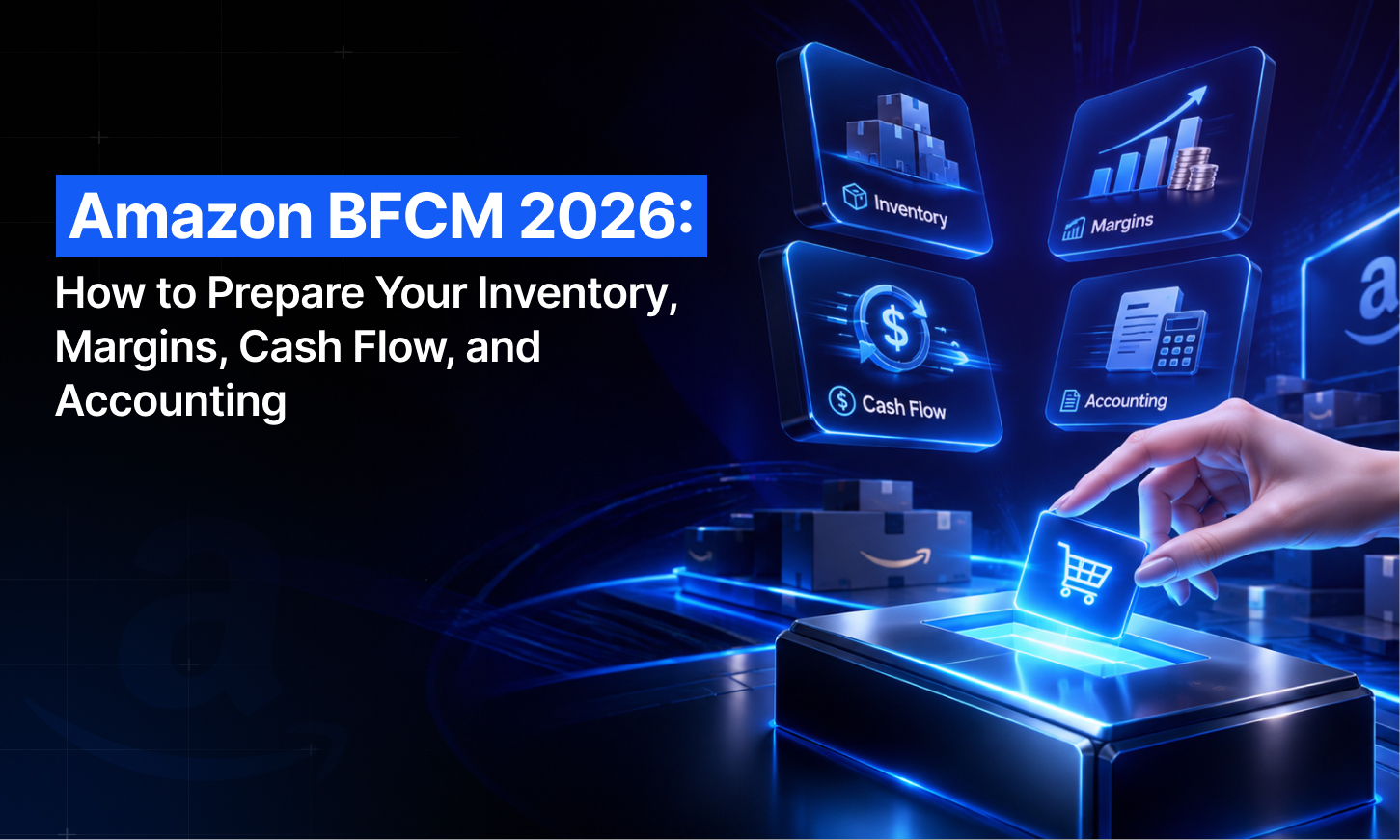
Amazon BFCM 2026 is on track to be the biggest sales week of the year again. Adobe forecasts $47.5 billion in US online spending across Cyber Week, the five days from Thanksgiving through Cyber Monday, up 7.4% year over year. It expects Cyber Monday alone to reach $15.1 billion, the first day ever above $15 billion.
But a record sales week isn't automatically a profitable one. Amazon moved its 2026 inventory deadlines earlier, kept its holiday season fees, and added a 3.5% fuel and logistics surcharge. It also now holds your funds until seven days after delivery.
For Amazon sellers, BFCM starts well before Black Friday on November 27. Many of Amazon’s key inventory and deal deadlines fall in October, leaving sellers with less time to prepare than they might expect.
And the preparation doesn’t stop there: returns, refunds, reserves, adjustments, and settlement deposits can quickly add another layer of complexity.
Before committing more inventory, discounts, or ad spends to BFCM, you need to know whether record sales can actually turn into record profit. That starts with inventory you can rely on, margins calculated against this year’s costs and fees, and books that can handle the surge in order volume. Here’s how to get all three ready before BFCM.
What is Amazon BFCM?
Amazon BFCM is the Black Friday through Cyber Monday shopping period on Amazon. Amazon runs it as a multi-day Black Friday Week and Cyber Monday event, not two single days. The event has its own deal submission window, FBA inventory deadlines, and holiday fee schedule.
For third-party sellers, it is usually the highest-volume stretch of the year. Amazon said its 2024 Black Friday Week and Cyber Monday event was its biggest ever, and independent sellers accounted for more than 60% of sales in its store.
Amazon BFCM 2026 key dates and deadlines
The deadlines that matter most fall in October, weeks before Black Friday. Inventory must reach Amazon by October 14, 21, or 28, depending on how you ship, and deal submissions close October 20.
|
Date |
What happens |
What it means for you |
|
Oct 6–7 |
Prime Big Deal Days |
Your freshest per-SKU demand data for BFCM forecasting |
|
Oct 14 |
Arrival deadline for AWD (Amazon Warehousing and Distribution) shipments |
AWD inventory must be at Amazon in time for Black Friday Week |
|
Oct 15 |
Holiday peak fulfillment fees begin |
FBA, Remote Fulfillment, Multi-Channel Fulfillment, and Buy with Prime orders cost more until Jan 14 |
|
Oct 20 |
Deal submissions close for Black Friday Week and Cyber Monday |
Last day to submit Best Deals, Lightning Deals, and Prime Exclusive Discounts |
|
Oct 21 |
Arrival deadline for FBA shipments with minimal shipment splits |
Inventory must be received at Amazon, not just shipped |
|
Oct 28 |
Arrival deadline for FBA shipments with Amazon-optimized shipment splits |
The inbound option most sellers use |
|
Nov 27 |
Black Friday |
Adobe expects $12.9 billion in US online sales, up 9.2% |
|
Nov 30 |
Cyber Monday |
Adobe expects $15.1 billion, the biggest online shopping day of the season |
|
Jan 14, 2027 |
Holiday peak fulfillment fees end |
Standard FBA rates return |
|
📝Two important things to note: 1. Amazon's inventory deadlines are arrival dates, not ship-by dates, so work backward from your carrier's transit time and leave room for receiving delays. 2. At the time of writing, Amazon hadn't announced its 2026 Black Friday Week window. It confirmed last year's event in November and ran it from November 20 through December 1, so expect deals to start before Black Friday itself. |
Why Amazon BFCM 2026 is harder on profit and cash than your sales numbers show
BFCM multiplies your sales, but Amazon's 2026 rules move your costs earlier and your cash later. Here’s how:
1. Inventory mistakes can penalize you heavily during BFCM
Amazon's holiday inventory deadlines are arrival dates, not shipping dates. Miss them, and your products may not be processed in time to qualify for Prime delivery during BFCM. Amazon prioritizes receiving inventory in September and October before shifting its focus to fulfilling customer orders in November and December.
For multichannel sellers, there's another challenge. Sending too much inventory to FBA could leave your Shopify store, Walmart listings, or wholesale customers short on stock. Send too little, and you risk running out on Amazon during BFCM.
|
Quick fact: According to a 2025 consumer survey highlighted in Webgility's holiday shopping trends report, 45% of consumers planned to start their holiday shopping before November. For Amazon sellers, this means inventory planning can't wait until Black Friday. Having the right products in stock early can help you capture demand before BFCM even begins. |
2. Discounts and holiday fees stack on every unit
A BFCM sale carries more Amazon costs than a normal sale:
- Deal fees: Best Deals, Lightning Deals, and Prime Exclusive Discounts cost $100 per promotion plus 1.5% of promotional sales, capped at $5,000
- Peak fulfillment fees: From October 15, 2026, to January 14, 2027, fulfillment fees rise by about $0.32 per unit on average
- Fuel and logistics surcharge: The 3.5% surcharge Amazon added on April 17, 2026, applies on top of the peak fee
- Higher base rates: All of this sits on top of the FBA fee increases that took effect in January 2026
3. Amazon payouts may not arrive until December
Under Amazon's Delivery Date + 7 (DD+7) reserve policy, funds from an order generally become available seven days after delivery, not immediately after the sale.
Here's what that means for BFCM. If a customer places an order on Cyber Monday, November 30, and receives it on December 3, the funds may not become available until December 10. The money could take even longer to reach your bank, depending on your payout schedule. Meanwhile, you've already committed cash to inventory, shipping, and BFCM promotions.
Advertising costs can add to the pressure. Depending on your Amazon Ads payment settings, ad charges may be deducted directly from your seller account balance, reducing the funds available for payout.
4. More Amazon sales mean more reconciliation work
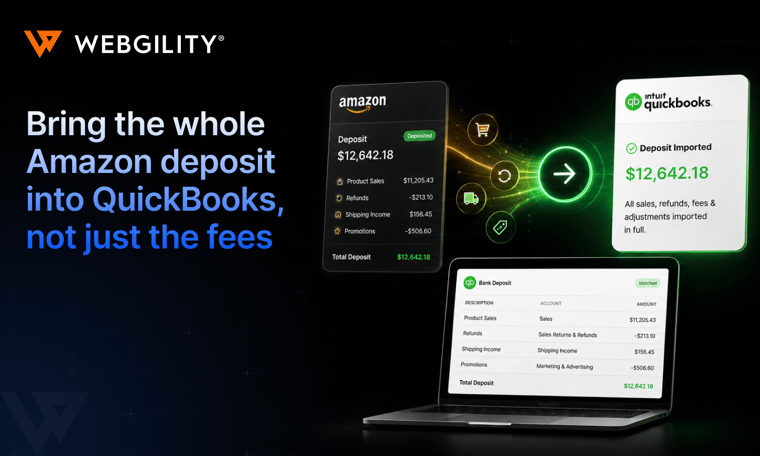
Each Amazon settlement combines sales, refunds, referral fees, FBA fees, storage fees, ad charges, reimbursements, and other adjustments into a single payout, making it difficult to track exactly what you're earning and what Amazon is deducting.
Amazon also withholds a new reserve each period and releases the previous one, so the deposit in your bank rarely matches the sales you see in Seller Central.
How to prepare for Amazon BFCM 2026: 4-step plan
Start by reviewing SKU-level sales from BFCM 2025 and Prime Big Deal Days (October 6–7, 2026). Identify your fastest-selling products, compare demand against available inventory, and decide how much stock to allocate to Amazon without leaving Shopify, Walmart, or other channels short.
- Meet Amazon's inventory deadlines: Work backward from the October 14 AWD, October 21 FBA minimal-split, or October 28 Amazon-optimized arrival deadline, depending on your shipment method.
- Keep inventory balanced across channels: Check available, reserved, and incoming stock before sending additional units to FBA. Consider an FBM backup for your bestsellers.
- Plan for unsold inventory: Avoid overordering products that could sit in storage after December and tie up cash needed for Q1.
Where Webgility fits: Webgility's inventory management helps keep inventory quantities aligned across QuickBooks and connected sales channels, including Amazon and Shopify. That means fewer stock discrepancies, less risk of overselling, and more reliable inventory data when deciding what to reorder and where to sell it.
Step 2: Know the lowest profit you'll accept on each SKU
A product that sells well during BFCM isn't necessarily profitable. Before setting discounts, calculate what each SKU will earn after COGS, referral fees, peak FBA fees, deal fees, advertising, and expected returns.
- Calculate your profit per SKU: Include Amazon's holiday fees and the 3.5% fuel and logistics surcharge when estimating your costs.
- Check your deal costs: A $100 upfront fee may make sense for a product selling hundreds of units but could wipe out the profit on a slower-selling SKU.
- Set limits on discounts and ads: Use your contribution margin to decide how much you can spend on advertising and promotions without selling at a loss.
Where Webgility fits: Webgility's profitability reports bring together sales, marketplace fees, refunds, and product costs to show margins by SKU and channel. Instead of relying only on Amazon sales or ROAS, you can use actual profitability data to decide which products are worth promoting and evaluate how much your BFCM deals really earned.
Step 3: Plan your cash flow through January
Your Amazon sales might peak in November, but that doesn't mean the money will reach your bank immediately. Under Amazon's DD+7 reserve policy, funds generally become available seven days after delivery, with additional time possible before the payout reaches your bank.
Meanwhile, you've already committed cash to inventory, shipping, advertising, and promotions.
- Forecast your incoming cash: Plan week by week from October through January, accounting for delivery dates, payout schedules, and funds held in reserve.
- Track what Amazon deducts: Referral fees, FBA charges, refunds, advertising costs, and other adjustments can reduce the amount you receive.
- Keep cash available after BFCM: Plan for supplier payments, operating expenses, and refunds or returns that may continue into January.
Where Webgility fits: Webgility's payout and settlement reporting helps you understand how Amazon sales, fees, refunds, and reserve movements contribute to your final payout. Instead of forecasting cash from gross sales alone, you can use actual settlement data to make more informed cash flow decisions.
Step 4: Set up your accounting to handle BFCM volume
More Amazon orders mean more fees, refunds, settlements, and adjustments to account for. If you're still manually matching sales against deposits, BFCM can leave you with weeks of accounting cleanup.
Before the rush, make sure every Amazon transaction can be traced from the original order through the settlement to your books.
- Keep your expenses organized: Map referral fees, FBA fees, advertising costs, refunds, reimbursements, and reserves to the appropriate QuickBooks accounts.
- Reconcile Amazon payouts: Match each settlement against the corresponding orders, fees, refunds, reserve movements, and bank deposits.
- Check for missing transactions: Identify duplicate or unposted orders, resolve mismatches, and close October before November's order volume increases.
Where Webgility fits: Webgility's Amazon-QuickBooks integration automates the posting of Amazon orders, fees, refunds, and settlement activity into QuickBooks. It also helps identify missing or unposted transactions and supports settlement reconciliation, so your accounting team can trace what's behind each payout instead of manually rebuilding it.
| 👉Pro tip: Selling on Shopify or other channels too? Pair this checklist with this Black Friday checklist for ecommerce and the BFCM accounting guide. |
How Webgility keeps your Amazon BFCM profitable and your books clean
With Webgility, Amazon data syncs automatically every one to two hours, and you can trigger a manual sync anytime during the rush. Simultaneously, Webgility maps your chart of accounts, and runs a validation sync before going live. That means, you make decisions during BFCM instead of reconstructing them in January.
|
Area |
What Webgility does |
What it means during BFCM |
|
Inventory |
Two-way inventory sync between QuickBooks and every connected channel, plus low-stock alerts, automatic purchase orders, and demand forecasting from sales velocity |
Fewer oversells and stockouts across Amazon, Shopify, and your other channels |
|
Margins |
Product profitability among 70+ reports, an AI Assistant for margin questions, and Amazon referral, FBA, storage, and advertising charges posted to their own expense accounts |
See which SKUs and deals made money while you can still adjust |
|
Cash flow |
Payout and settlement reports that show what Amazon paid, what it deducted, and why, with reserves posted as part of each settlement |
A cash forecast built on actual payouts, not estimates |
|
Accounting |
Amazon orders posted as sales receipts, sales orders, or invoices; automatic settlement reconciliation; correct treatment for returns and refunds; journal-entry or per-transaction posting |
November and December close on schedule instead of in February |
Webgility customers see the difference when volume spikes. Rider Shack synced inventory several times a day during busy sales events, eliminated stockout cancellations, and saved $1,400 a month. Bases Loaded, which sells on Amazon and other channels, spent 8 hours every month on Amazon reconciliation before switching to Webgility.
Amazon BFCM rewards sellers who plan for profit and cash, not just sales. Do that, and you'll know what BFCM 2026 actually earned you while there's still time to act on it.
FAQs
What is a BFCM strategy?
A BFCM strategy is a plan to maximize sales and profits during Black Friday and Cyber Monday. For Amazon sellers, it includes inventory forecasting, pricing, discounts, advertising, cash flow planning, and accounting preparation to ensure higher sales translate into actual profit.
What is the best accounting software for Amazon sellers?
The best setup for Amazon sellers is a core general ledger like QuickBooks Online or Xero paired with a specialized ecommerce accounting connector like Webgility.
Why don't Amazon BFCM sales match bank deposits?
Amazon deducts referral fees, FBA fees, advertising charges, refunds, and other adjustments before issuing payouts. It may also hold funds in reserve. Reconciling Amazon settlements with individual orders and bank deposits helps sellers understand their actual earnings and maintain accurate books.
.png?width=128&name=image%20(1).png)